How to Extend Battery Life on Your Portable Devices
1 June 2026
We’ve all been there—you’re out and about, your phone at 5%, and there’s no charger in sight. Your heart races just a bit. Sounds familiar, right? Portable devices have become extensions of ourselves. From smartphones and tablets to laptops and smartwatches, we've grown dependent on these little power-hungry machines. But what good are they when the battery dies halfway through the day?
The good news? You can extend the battery life of your portable devices without turning into a tech wizard. It's not rocket science—just a few mindful tweaks and habits can keep your devices running longer and stronger.
So grab your device (hopefully fully charged), and let's dive into practical, human-friendly tips on how to keep that battery bar green for longer.
Why Battery Life Matters More Than Ever
Battery life isn't just a convenience—it's a necessity. Whether you're working remotely, streaming your favorite show, or navigating a new city, a dead battery is more than annoying. It could mean missed meetings, missed memories, or missed directions.With so many of us constantly on the go, our devices need to keep up. And while battery technology has improved, it’s not evolving as fast as our usage patterns. That's why how you use your device matters just as much as what you use.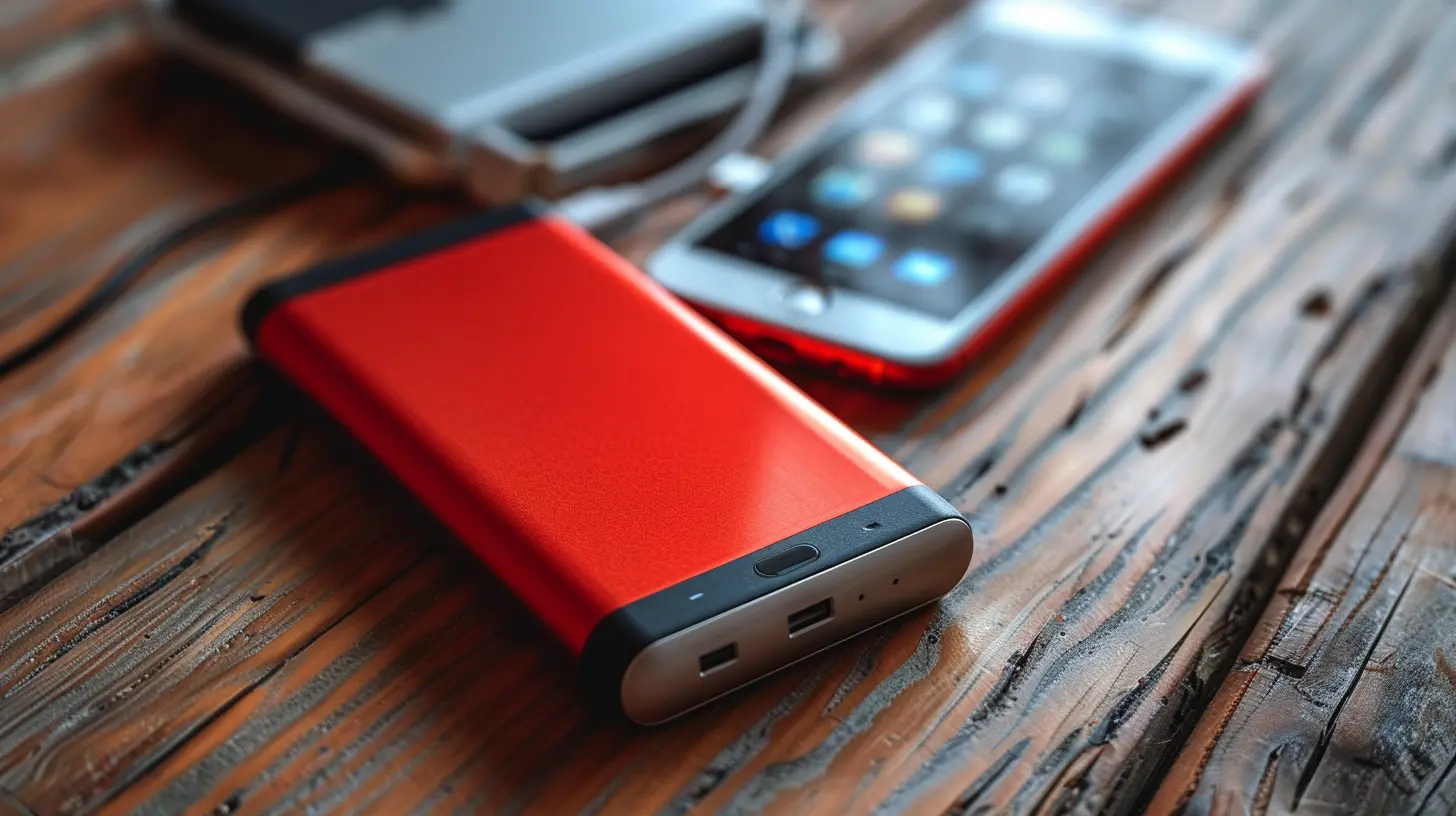
1. Dim That Screen – Your Battery Hates Bright Lights
Let’s get real. Display screens are the biggest energy gluttons on your devices. That super-bright, crystal-clear screen? Yeah, it’s draining your battery like a thirsty camel.What you can do:
- Set your brightness to auto or manually lower it.
- Use dark mode where available. It's not just easy on the eyes—it’s easier on the battery too.
- Reduce screen timeout. Don’t let it stay awake when you’re not around.
Quick Tip: On OLED screens (found in many newer smartphones), dark mode can significantly improve battery life because black pixels are actually turned off.
2. Turn Off What You're Not Using
Your device is constantly doing things behind your back. Bluetooth scanning, searching for Wi-Fi, GPS tracking—these all chomp away at battery life.Here's the move:
- Turn off Bluetooth and Wi-Fi when you’re not using them.
- Use Airplane Mode in low-signal areas. Your device works extra hard (and burns extra power) trying to connect.
- Disable location services for apps that don’t need them.
Think of it like turning off the lights when you leave a room. Small effort, big savings.
3. Manage Background Apps Like a Pro
Apps are sneaky. Even when you’re not using them, some love to run around in the background, hogging battery juice.What you should do:
- On your phone, go to settings and check which apps are using the most battery.
- Restrict background activity for non-essential apps (we’re lookin’ at you, social media).
- Close unused apps regularly, especially if you notice your battery draining faster.
Background apps are like that one friend who overstays their welcome—they just don’t know when to quit.
4. Keep Your Software Up to Date
Okay, I get it. Software updates can be annoying. But here's the thing: they're not just about new features—they also bring performance and battery life improvements.Manufacturers often include power efficiency tweaks in their updates. So keeping your software current helps your device run better and last longer.
Pro tip: Set your device to auto-update during off-peak hours (like overnight) so it doesn’t interrupt your day.
5. Watch Out for Battery Vampires (aka Rogue Apps)
Some apps are notorious battery hogs. They want your attention 24/7, and they’re not shy about it.To tame them:
- Check your battery settings to identify high-usage apps.
- If an app is using more juice than it should, consider replacing it with a lighter alternative or uninstalling it altogether.
- Use “Lite” versions of apps when available—they’re designed to use less power and data.
Think of these rogue apps like toddlers on a sugar rush—they need boundaries.
6. Say No to Push Notifications (for Some Apps, at Least)
Every ping, buzz, and pop-up you get uses a little bit of battery. Multiply that by dozens of apps and… yeah, you see where this is going.Ask yourself: “Do I really need to know the second someone likes my tweet?”
Your battery says “no.”
Simple fix:
- Turn off push notifications for non-essential apps.
- Keep notifications only for things you care about—calls, messages, and maybe your favorite shopping app.
Silence really is golden (at least for your battery).
7. Charge Smart, Not Hard
Let’s break a myth: you don’t need to let your phone hit 0% before charging. That’s old-school thinking. Today’s lithium-ion batteries perform best when kept between 20-80%.Charging tips:
- Avoid leaving your device plugged in overnight every night—it can generate heat and age your battery faster.
- Use quality chargers. Cheap ones can harm your device over time.
- Occasional full charges are fine, but don’t make it a daily habit.
Think of your battery like a muscle—don’t overwork it, don’t underuse it. Just keep it going at a steady pace.
8. Control Temperature – Your Battery Likes It Cool
Ever noticed your phone gets hot when gaming or using GPS for a long time? That’s a red flag. Heat is enemy #1 when it comes to battery longevity.How to cool things down:
- Avoid using your device while it’s charging.
- Don’t leave it exposed to direct sunlight or in a hot car.
- If your device heats up often, take a break or remove the case to let it breathe.
Your battery’s happy place? Around room temperature. Keep it comfy.
9. Use Battery Saver Modes
Most modern devices come with built-in battery saver or low power modes. These are magical buttons that do a lot behind the scenes—reduce performance, limit background activity, tweak visuals—all to save your battery.Use them when you:
- Are low on power and no charger in sight.
- Know you’ll be out all day.
- Just want some extra hours for peace of mind.
It’s like putting your phone on energy-saving mode, just like you’d dim the lights at home to save power.
10. Invest in Good Habits and Accessories
Sometimes extending battery life isn’t just about settings—it’s about how you live with your device day to day.Some bonus advice:
- Carry a portable charger if you’re always on the move. Lifesaver, trust me.
- Use battery-optimized apps (there’s one for almost everything—emails, browsers, even calendars).
- Don’t multitask when you don’t need to. Simpler usage = longer battery.
Habits are the secret sauce. A little mindfulness goes a long way.
Final Thoughts
Extending the battery life on your portable devices isn’t about huge changes—it’s about being smart, paying attention, and treating your gadget like your digital best friend. Just like any friendship, it needs care and effort.The next time you’re down to your last few percentage points of battery, think back to these tips. With the right moves, you’ll squeeze more life from your devices—and fewer headaches from dead-battery panic.
So go ahead, use that phone, tablet, or laptop with confidence. Just remember, a little care keeps the juice flowing.
all images in this post were generated using AI tools
Category:
Portable TechAuthor:

Gabriel Sullivan
Discussion
rate this article
1 comments
Serenity Warner
Optimizing battery life isn't just about tips and tricks. It's about understanding your usage habits and making small adjustments that can lead to significant improvements over time. Every bit counts.
June 5, 2026 at 11:41 AM
Gabriel Sullivan
You're absolutely right! Small changes in usage can make a big difference in battery life. It's all about finding what works for you.