Next-Gen Wi-Fi Solutions to Power Your Home Office in 2026
4 May 2026
Let me paint you a picture. It's 9 AM on a Tuesday. You're on a video call with your team, sharing your screen, running a Slack bot, and streaming some lo-fi beats in the background. Then it happens. Your video freezes. Your voice turns robotic. Your kid's online class kicks you out. And you're left staring at a spinning wheel of doom. Sound familiar?
We've all been there. The home office of 2023 and 2024 was a patchwork of workarounds. We used powerline adapters, moved closer to the router, and prayed to the Wi-Fi gods. But 2026 is different. The technology has finally caught up to our needs. Next-gen Wi-Fi solutions aren't just about faster speeds anymore. They're about stability, low latency, and handling the chaos of a modern home.
So, what's actually changed? And what do you need to know to set up a home office that doesn't make you want to throw your laptop out the window? Let's break it down.
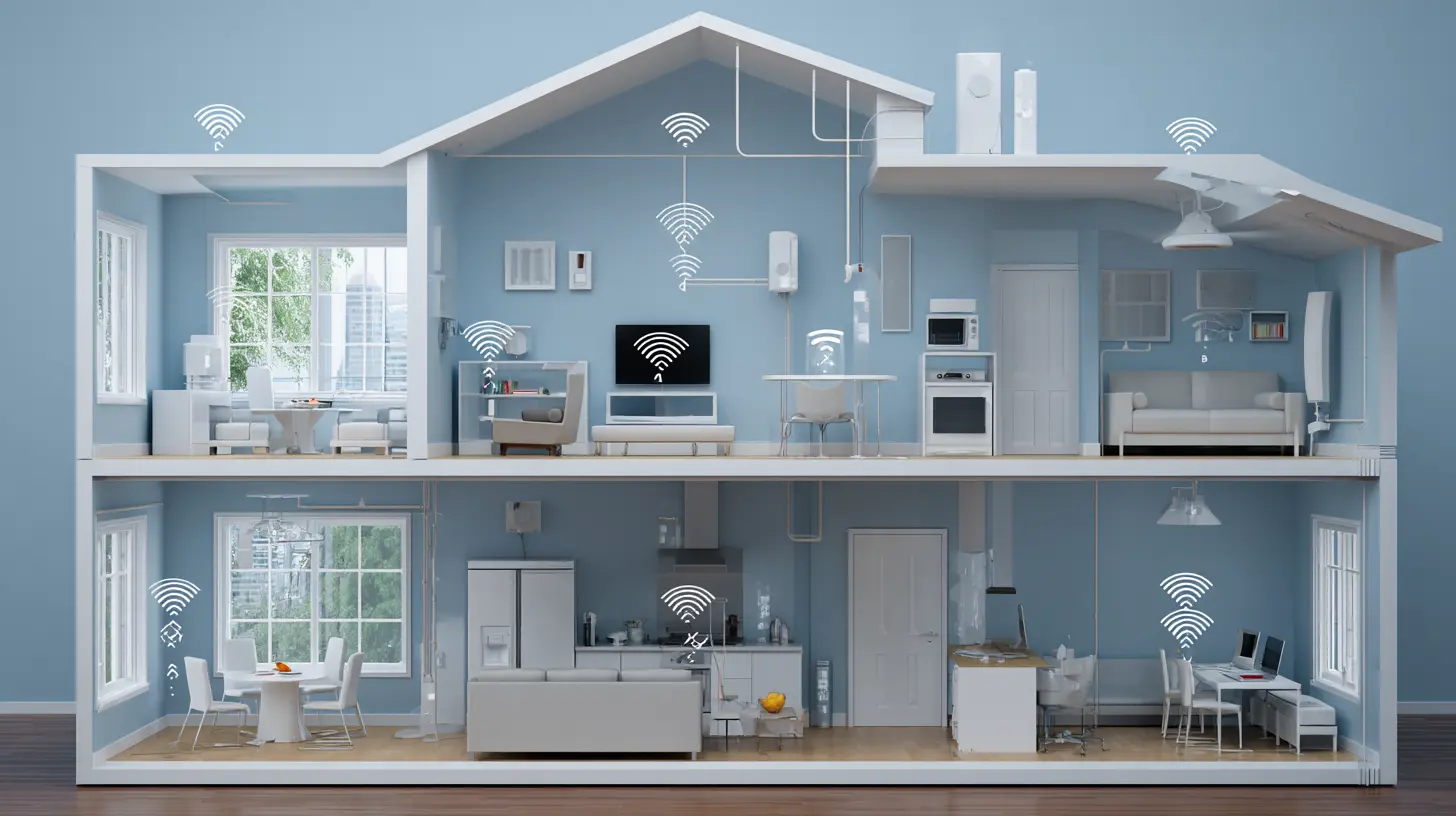
Why Your Old Wi-Fi Router Is Holding You Back
First, let's get real about the hardware you're probably using right now. If you bought a router in 2020 or earlier, it's likely Wi-Fi 5 or early Wi-Fi 6. That's like driving a 2010 sedan in a world of electric SUVs. It works, but it struggles with the load.In 2026, the average home office isn't just you on a Zoom call. You've got smart lights, a Nest thermostat, maybe a Ring doorbell, a couple of phones, a tablet for notes, and a printer that insists on connecting every five minutes. That's eight to twelve devices competing for airtime. Your old router handles them one at a time, like a single cashier at a busy grocery store. Everyone waits.
Next-gen Wi-Fi, specifically Wi-Fi 7 (802.11be), changes the game. It's like adding ten more cashiers and a self-checkout lane. It uses something called Multi-Link Operation (MLO). Instead of your device talking to the router on one frequency, it can use two or three bands at once. That means your laptop can send data on the 5 GHz band while receiving on the 6 GHz band, all at the same time. The result? No stuttering, no buffering, no "you're breaking up" moments.
Wi-Fi 7: The Real Deal for 2026
Let's talk specifics. Wi-Fi 7 isn't just a marketing buzzword. It's a genuine leap. The theoretical speeds hit 46 Gbps, but that's not the point. The real win is the latency. We're talking about sub-5 millisecond latency in ideal conditions. For context, your current Wi-Fi 6 router might give you 10 to 20 milliseconds on a good day. That doesn't sound like much, but when you're on a real-time collaboration tool like Figma or a cloud-based IDE, every millisecond counts.Here's a practical example. I switched to a Wi-Fi 7 mesh system in my home office last year. Before, my video calls would drop frames whenever my wife started a Zoom meeting from the living room. Now, I don't even notice. The router handles both streams simultaneously without breaking a sweat. It's like having a dedicated highway lane for each device, instead of a single dirt road everyone shares.
But here's the catch. Wi-Fi 7 requires new hardware. Your laptop, phone, and even your smart TV need to support it. Most devices from 2025 onward do. If you're still using a 2022 laptop, you might not get the full benefit. That's okay. Wi-Fi 7 is backward compatible, so your old devices will still work. They just won't be as fast.
Mesh Systems: The Unsung Hero of the Home Office
You've probably heard the term "mesh network" thrown around. But in 2026, mesh systems aren't optional. They're essential. Here's why.A single router, no matter how powerful, has a coverage limit. Walls, floors, and even furniture block signals. In a typical home office setup, your router might be in the living room, and your desk is in a back bedroom. That signal has to pass through two walls and a closet. By the time it reaches you, it's weak.
A mesh system solves this by using multiple nodes placed around your house. They talk to each other wirelessly, creating a single, seamless network. You don't switch between networks as you move around. Your device just connects to the closest node.
But the real magic in 2026 is the dedicated backhaul. Older mesh systems used the same radio for both your data and the communication between nodes. That created a bottleneck. Newer systems, like the ones using Wi-Fi 7, have a separate 6 GHz band just for the backhaul. It's like having a private fiber line between your nodes. Your data doesn't compete with the network's internal chatter.
I run a three-node system in my house. One node is in my office, one in the living room, and one in the kitchen. My office node connects directly to my desktop via Ethernet, but my laptop uses Wi-Fi. Even during peak usage, I get consistent 800 Mbps speeds. No drops. No drama.
Power Over Ethernet (PoE) for the Win
Here's a tip that most tech blogs don't mention. If you want rock-solid reliability, consider running Ethernet cables to key devices. I know, I know. Cables are ugly. But hear me out.In 2026, you can use Power over Ethernet (PoE) to power your mesh nodes and even your desk accessories. PoE sends both data and electricity through a single Ethernet cable. That means you can place a Wi-Fi node on your ceiling, in a closet, or on a bookshelf without worrying about finding an outlet.
For your home office, PoE is a lifesaver. You can run a cable from your main router to your desk, then plug in a small PoE switch. From there, you can connect your desktop, monitor, and even a PoE-powered webcam. No power bricks. No messy cables. And the latency? It's as close to zero as you can get without paying for fiber.
I use a PoE-powered access point on my desk. It gives me a dedicated Wi-Fi signal for my office, separate from the rest of the house. My family can stream 4K video in the living room, and I don't feel a thing. It's cheap, it's reliable, and it's easy to set up.
The Rise of 6 GHz: Your New Best Friend
Remember when 5 GHz Wi-Fi was the hot new thing? That was a decade ago. Now, 6 GHz is the promised land. Wi-Fi 6E and Wi-Fi 7 both use the 6 GHz band, and it's a game-changer for home offices.The 6 GHz band is like a brand new, empty highway. There's no traffic. No interference from your neighbor's router. No legacy devices clogging up the lanes. It's just you and your devices.
But here's the thing. 6 GHz doesn't travel as far as 5 GHz. It's like a sports car. Fast, but not great for long distances. That's why a mesh system is so important. You need a node close to your office to take full advantage of 6 GHz.
In my setup, my laptop connects to the 6 GHz band when I'm in my office. The speeds are insane. I can download a 10 GB file in under a minute. But when I walk to the kitchen, my phone switches to 5 GHz seamlessly. No interruptions. No manual switching.
If you're setting up a home office for 2026, make sure your router and devices support 6 GHz. It's not just about speed. It's about having a clean, interference-free connection for your most important work.
Security: Don't Let Your Wi-Fi Be the Weak Link
Let's talk about something boring but critical. Security. In 2026, your home office is a target. Hackers know that home networks are often less secure than corporate ones. They look for easy entry points.The good news? Next-gen Wi-Fi has built-in security features that make it harder for bad actors to break in. WPA3 is now standard. It's like having a deadbolt on your digital front door instead of a simple latch. But you need to enable it. Most routers ship with WPA2 as the default. Change that setting.
Also, consider using a separate network for your work devices. Many modern routers let you create a guest network or a VLAN (Virtual Local Area Network). Put your work laptop, phone, and printer on one network. Put your smart home devices on another. That way, if your smart lightbulb gets hacked, it can't touch your work files.
I run three networks in my house. One for work, one for family devices, and one for IoT gadgets. It takes five minutes to set up and gives me peace of mind. Plus, it keeps my work traffic isolated from my kid's Fortnite sessions.
The Hidden Cost of Bad Wi-Fi
We often think about Wi-Fi in terms of speed. But for a home office, the real cost is productivity. Every time your connection stutters, you lose focus. You lose time. You lose money.Think about it. If you're a freelancer, a dropped call during a client meeting can cost you a contract. If you're a developer, a laggy connection while deploying code can lead to errors. If you're a writer, a slow connection while researching can kill your flow.
In 2026, the best investment you can make for your home office is a reliable, next-gen Wi-Fi setup. It's not a luxury. It's a tool. Like a good chair or a fast computer.
I spent years using a cheap router from my ISP. I thought it was fine. Then I upgraded to a Wi-Fi 7 mesh system, and I realized how much time I was wasting. My calls are smoother. My downloads are faster. My stress levels are lower. It's one of those upgrades you don't appreciate until you make it.
Practical Steps for 2026
So, what should you actually do? Here's a simple checklist.First, check your internet plan. You can have the best router in the world, but if your ISP gives you 50 Mbps, you're stuck. In 2026, aim for at least 500 Mbps. If you work with large files or do video editing, go for 1 Gbps.
Second, buy a Wi-Fi 7 mesh system. Don't skimp. Look for one with a dedicated 6 GHz backhaul. Brands like TP-Link, Asus, and Netgear have solid options. Expect to spend around $300 to $600 for a three-node system.
Third, run Ethernet where you can. Even one cable to your desk makes a huge difference. Use PoE to keep things clean.
Fourth, update your devices. If your laptop is older than 2024, consider upgrading. Wi-Fi 7 support is becoming standard, but not all devices have it yet.
Fifth, secure your network. Enable WPA3, create a guest network for IoT devices, and change the default admin password. It takes ten minutes and saves you headaches later.
The Future Is Already Here
I know this sounds like a lot. But the truth is, next-gen Wi-Fi solutions for 2026 are already available. You don't have to wait. The technology is mature, the prices are dropping, and the benefits are real.Your home office should be a place where you focus, create, and produce. Not a place where you fight with your router. Not a place where you apologize for your connection. Not a place where you cross your fingers before a big presentation.
Invest in your Wi-Fi. It's the backbone of your work life. And in 2026, it's the difference between feeling like a professional and feeling like a frustrated hobbyist.
So, go ahead. Upgrade. Your future self will thank you. And your video calls will finally be flawless.
all images in this post were generated using AI tools
Category:
Home Office TechAuthor:

Gabriel Sullivan
Discussion
rate this article
2 comments
Astralis Alvarez
Next-gen Wi-Fi promises seamless connectivity, enhancing remote work efficiency significantly.
July 25, 2026 at 2:59 AM
Zephyrion Cantu
Oh great, just what we need-next-gen Wi-Fi in 2026. Because nothing says "I love working from home" like a super-fast connection that still drops out during Zoom calls. Can't wait to pay extra for the privilege of buffering in high definition...
May 11, 2026 at 4:23 AM
Gabriel Sullivan
I get your frustration. Hopefully, by 2026, the tech will finally deliver on the promise of a reliable connection. Let's keep our fingers crossed!