Portable Tech for a Paperless Lifestyle
8 January 2026
Let’s be honest—our lives are overflowing with stuff: receipts crammed in wallets, notebooks filled with half-legible scribbles, piles of documents waiting to be shredded. Paper clutter is real, and it’s a productivity killer. But here's the good news: the future is lighter, greener, and a lot more organized. Welcome to the world of portable tech for a paperless lifestyle.
If you're ready to ditch the chaos and streamline your day-to-day, you're in the right place. Whether you're a student juggling notes, a business pro buried under contracts, or just someone tired of lost grocery lists, this article will walk you through how to go paperless without losing your sanity.
So grab a cup of coffee (or tea), and let’s break it all down.
Why Go Paperless?
Before diving into the tech, let’s address the question lingering in the back of your head: _Why bother going paperless?_1. Less Clutter, More Clarity
Imagine opening your bag and not finding the Bermuda Triangle of crumpled notes, pens with no ink, and three slightly different to-do lists. Going paperless helps you clean that up—digitally and mentally.2. Better for the Environment
Every sheet of paper saved is a small win for the planet. Trees, energy, water—everything gets a break. And if you’re already carrying a smartphone or tablet, you’re part of the solution already.3. Streamlined Workflow
Digital documents are searchable, editable, and shareable within seconds. No more scanning, printing, signing, rescanning — who has time for that?
The Essentials of a Portable Paperless Setup
You don’t need a backpack full of expensive gadgets to go paperless. The key is choosing compact, efficient tools that fit your lifestyle.Let’s break this down into must-have categories.
1. Smartphones and Tablets – Your Digital Hub
Your smartphone is more powerful than most people give it credit for. With the right apps, it becomes the Swiss Army knife of paperless living.Best Apps to Get Started:
- Note-taking: Evernote, Notion, OneNote- Scanning Documents: Adobe Scan, CamScanner, Microsoft Lens
- Cloud Storage: Google Drive, Dropbox, iCloud
Tablets, especially ones with stylus support like the iPad with Apple Pencil or Samsung Galaxy Tab with S Pen, take things to the next level. They give you that pen-and-paper feel without the actual paper.
> Pro Tip: Combine a tablet with a keyboard case, and you basically have a laptop that fits in your bag but weighs half as much.
2. Digital Notebooks – The Paper Replacement
If you’re old-school and love the feel of writing, digital notebooks like the reMarkable 2, Boox Note Air, or MobiScribe are game changers. These e-ink tablets mimic paper but sync your notes to the cloud.- Battery life? Insane — some last weeks on a single charge.
- Feels like paper? Yep.
- Searchable notes? Absolutely.
You write, it converts to text, and boom—you're organized.
3. Portable Scanners – Say Goodbye to Filing Cabinets
If you’ve got a backlog of paper to digitize, a portable document scanner is your best friend. Devices like the Fujitsu ScanSnap iX100 or Brother DS-640 are compact and powerful.Scan receipts, contracts, handwritten notes — everything. They’re fast, and most come with software that auto-organizes files for you.
> Reality Check: It might take a weekend to scan years of paperwork, but you’ll never look back once it’s done.
4. E-Signature Tools – No Printing Required
Remember printing out forms just to sign and rescan them? Feels prehistoric, right?With e-signing apps like DocuSign, Adobe Sign, or HelloSign, you can sign anything from anywhere. It's legal, secure, and takes seconds.
Great for freelancers, remote workers, or anyone who needs to sign documents on the fly without the paper hassle.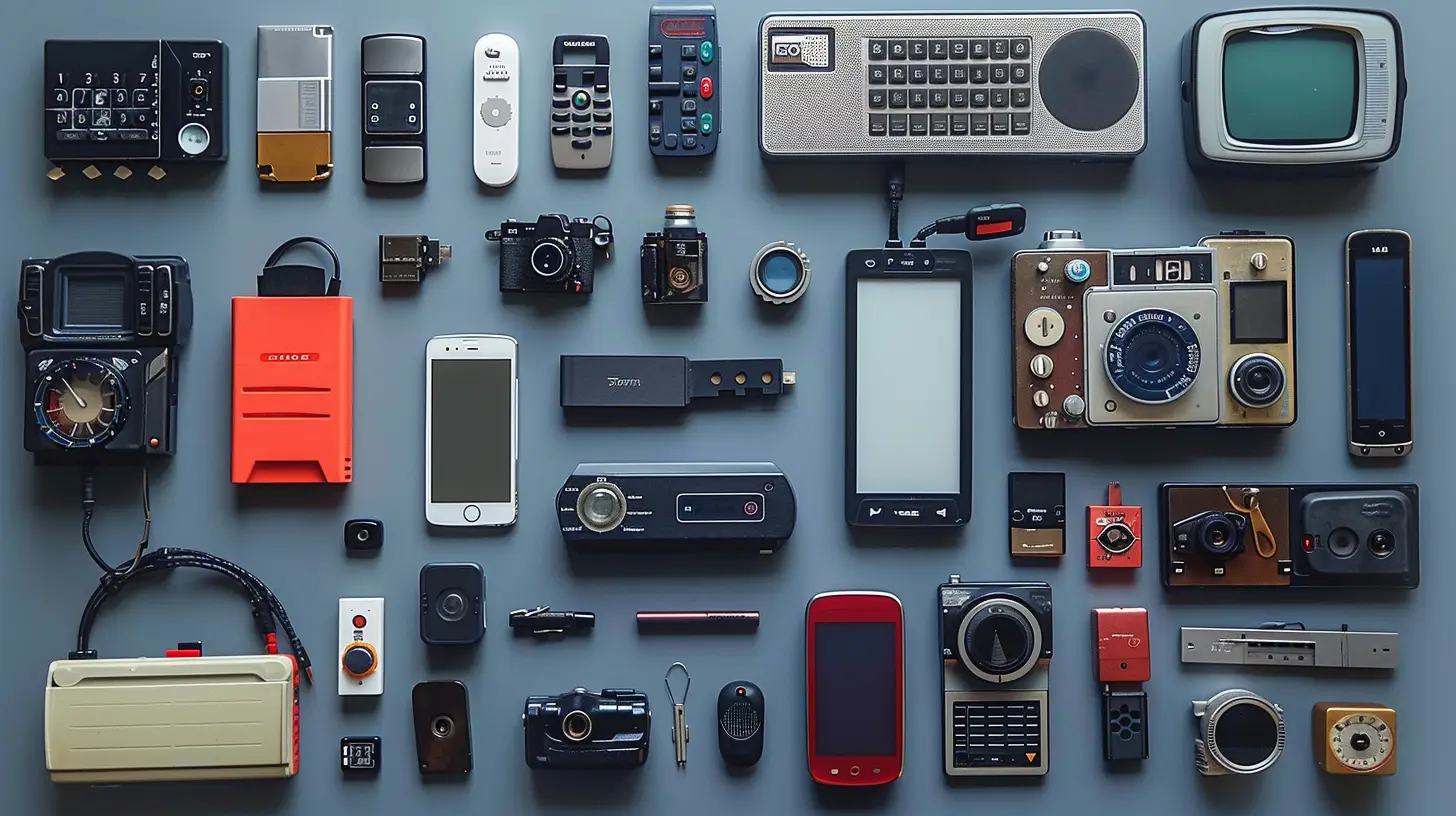
Supporting Tech That Completes the Paperless Puzzle
Alright, you’ve got the main gear. But there’s more to this ecosystem that can help tighten the bolts and keep everything running smoothly.1. External Hard Drives or SSDs – Offline Backups Matter
Yes, the cloud is king, but having a physical backup ensures you’re covered if the digital world goes sideways.Consider a slim SSD like the Samsung T7 Portable SSD. It’s fast, tiny, and holds tons of documents, photos, and more.
2. Wireless Keyboards and Mice – Comfort on the Go
Typing long notes on a screen can be a pain. Add a travel-sized Bluetooth keyboard and mouse, and your productivity shoots up whether you're at a café or on a flight.3. Power Banks – Because Dead Batteries Are the Enemy
You don’t want your phone or tablet dying mid-meeting or during a travel day. A high-capacity power bank like Anker PowerCore ensures your devices stay alive when outlets are scarce.
Tips to Transition Smoothly Into a Paperless Lifestyle
Okay, so now you have the tools. But habits? That’s where the real shift happens.Here are some actionable steps to ease into this brave new paperless world:
1. Start Small
Don’t try to go zero-paper overnight. Start by digitizing new documents and slowly work backward. Begin with bills, receipts, or notes from your day-to-day tasks.2. Set Up a Digital Filing System
A cluttered Google Drive is no better than a messy desk. Create folders. Label everything clearly. Use dates and logical naming conventions.Example:
Work > 2024 > Projects > Client_X > Contracts
Sounds boring, but trust me, future you will thank you.
3. Use Cloud Sync Religiously
Make sure all your devices sync to the same cloud account. This way, your notes on your tablet are accessible on your phone, laptop, and anywhere else you need them.4. Automate When Possible
Apps like Zapier and IFTTT can move files, rename them, and even tag documents automatically. It’s like having a virtual assistant who never takes breaks.Real-Life Scenarios Where Portable Tech Shines
Still wondering how this plays out in real life? Let's look at some scenarios.The Student
Digital textbook on your tablet, notes saved to the cloud, assignments submitted through your learning portal—all while your backpack is half the weight it used to be.The Freelancer
Client contracts signed electronically, invoices sent through apps like FreshBooks, and brainstorming done on your tablet during a coffee run.The Traveler
Itineraries stored in cloud apps, tickets saved in your mobile wallet, and journaling done on a digital notebook. No lost reservations or soggy receipts.Overcoming Common Challenges
Let’s not pretend going paperless is flawless. There are some bumps along the road.What if I Lose My Device?
This is why backups and cloud syncing are non-negotiables. Always backup automatically to a cloud service and a physical drive when possible.What About Handwritten Notes?
Digital pens and handwriting recognition are getting smarter. Apps like Nebo or GoodNotes turn your chicken scratch into typed notes faster than you can say “Why didn’t I do this sooner?”Isn’t It Expensive to Set Up?
You don’t need to buy everything at once. Start with your phone, add free apps, and upgrade slowly. Even a basic $99 tablet can be enough to get going.The Long-Term Payoff
Going paperless isn’t just a tech flex. It’s a lifestyle shift.- You create and access information faster.
- You reduce waste—both time and environmental.
- You free up mental space by cutting out clutter.
And the best part? Once you’re on board, you’ll wonder how you ever lived buried under piles of paper.
Final Thoughts
Portable tech is redefining what it means to be productive, organized, and eco-conscious. Going paperless isn’t some unreachable goal; it’s a series of simple shifts bolstered by the right tools.So, whether you’re a minimalist in training or just someone looking to simplify life, embracing a paperless lifestyle—with the help of portable tech—might just be the smartest move you’ll make this year.
Welcome to the lighter side of life.
all images in this post were generated using AI tools
Category:
Portable TechAuthor:

Gabriel Sullivan
Discussion
rate this article
2 comments
Ashley Rhodes
Embracing portable tech for a paperless lifestyle not only enhances productivity but also fosters sustainability. The integration of devices like tablets and e-readers empowers users to access information effortlessly, reducing waste.
March 1, 2026 at 6:02 AM
Gabriel Sullivan
I completely agree. Embracing portable tech really does streamline our work and contributes to a more sustainable future. It's exciting to see how these tools can reshape our daily lives.
Arianth Jenkins
Embracing portable tech for a paperless lifestyle is a game-changer! It not only streamlines our daily tasks but also fosters creativity and environmental responsibility. Let's celebrate the innovative tools that empower us to live more efficiently and sustainably!
January 22, 2026 at 11:44 AM
Gabriel Sullivan
Thank you for your insightful comment! I completely agree—embracing portable tech truly transforms our daily lives while promoting sustainability and creativity. Let's continue to explore and celebrate these advancements!