The Best External Hard Drives for Backup and Storage Needs
18 March 2026
We’ve all been there — running out of storage on our computer at the worst possible moment or living in constant fear of losing important files. But hey, we’re in the 21st century, and technology has gifted us a simple yet powerful solution: external hard drives. Whether you're a photographer with thousands of large image files, a gamer who needs extra space for your growing library, or just someone wanting to back up your data, external hard drives are your go-to.
In this article, we’re going to dive into everything you need to know about the best external hard drives for backup and storage. I'll walk you through different features, styles, and, of course, my top picks for 2023. But don’t worry — I’ll keep things simple and avoid any overly technical jargon. Ready to find the perfect storage solution? Let’s jump right in!
Why You Need an External Hard Drive
Before we get into recommendations, let’s address the elephant in the room: why should you even consider an external hard drive? Isn’t everything in the cloud these days?Well, while the cloud is fantastic, it’s not always the best option for everyone. For starters, cloud-based storage often comes with a recurring subscription fee, and it requires a stable internet connection for accessing large files. Not to mention, some folks just prefer the good ol' physical approach for peace of mind. With an external hard drive, you’re in control. No internet? No problem. Your data is right there, ready when you are.
Plus, external hard drives are more cost-effective in the long run, especially if you have a ton of data to store. They’re also great for backing up large files quickly and securely without eating up bandwidth. Have a 4K movie collection or massive video projects? An external hard drive is your best friend.
Types of External Hard Drives
When shopping for an external hard drive, you’ll come across two main types: HDDs (Hard Disk Drives) and SSDs (Solid State Drives). Let’s break down the differences so you can decide which one aligns with your needs.1. HDD (Hard Disk Drive)
HDDs are the more traditional type of external storage. They use spinning disks to read and write data, which makes them slower compared to SSDs. But here’s the kicker: they offer a ton of storage for a relatively low price. If you’re looking for storage on a budget and don’t mind slightly slower transfer speeds, HDDs are a great option.Pros of HDDs:
- Affordable
- High storage capacity (often up to 20TB or more)
- Great for long-term storage and backups
Cons of HDDs:
- Slower read/write speeds
- More prone to physical damage due to moving parts
- Heavier and bulkier than SSDs
2. SSD (Solid State Drive)
SSDs, on the other hand, are the modern, high-performance option. They don’t have any moving parts, which makes them much faster and more durable than HDDs. However, they typically come with a steeper price tag and lower storage capacity compared to HDDs of the same price range.Pros of SSDs:
- Super-fast transfer speeds
- More durable (less risk of damage if dropped)
- Compact and lightweight
Cons of SSDs:
- More expensive per GB
- Lower storage capacity compared to HDDs in the same price range
Which One Should You Choose?
If you’re primarily looking for speed and portability, an SSD is the way to go. But if you need a large amount of storage at a lower cost, an HDD will give you the most bang for your buck. It all boils down to what’s more important for you: speed or storage capacity.
Key Features to Look for When Choosing an External Hard Drive
Now that you know the difference between HDDs and SSDs, let’s talk about what features really matter when you’re shopping for an external hard drive. After all, not all drives are created equal, and depending on your needs, certain features might be more important to you than others.1. Storage Capacity
This one’s a no-brainer. The storage capacity of your external hard drive should match your needs. Are you storing a few documents, or do you need room for thousands of large video files? External hard drives typically range from 500GB to a whopping 20TB or more.If you’re just looking to back up personal files, a 1TB or 2TB drive should do the trick. For professionals who need to store heavy-duty files (think photographers, videographers, or graphic designers), you might want to look at drives with at least 4TB of storage.
2. Transfer Speed
Whether you’re transferring files from your computer, downloading large media files, or backing up data, speed matters. SSDs are naturally faster than HDDs, but even within those categories, the speed can vary based on the connection type.Look for drives that offer USB 3.0 or USB-C compatibility, as these offer significantly faster data transfer rates compared to older USB 2.0 drives. If you’re dealing with large files regularly, the difference in speed is something you’ll definitely notice — and appreciate.
3. Durability
If you’re someone who’s constantly on the go, you’ll want an external hard drive that’s rugged and durable. Some drives are built to withstand drops, shocks, and even water exposure. Look for drives with rubberized exteriors or specific “rugged” models if you’re planning to toss it into your bag for travel.4. Compatibility
Before you buy, make sure the drive you’re eyeing is compatible with your devices. Most external hard drives will work with both Windows and macOS, but some might need to be reformatted to switch between the two. If you’re a Mac user, you might want to look for drives that come pre-formatted for macOS to save some hassle.5. Security Features
Let’s be real — you wouldn’t want your sensitive data to fall into the wrong hands. Some external hard drives come with built-in encryption features or password protection, which can give you an added layer of security. If you’re storing confidential work documents or personal information, this is worth considering.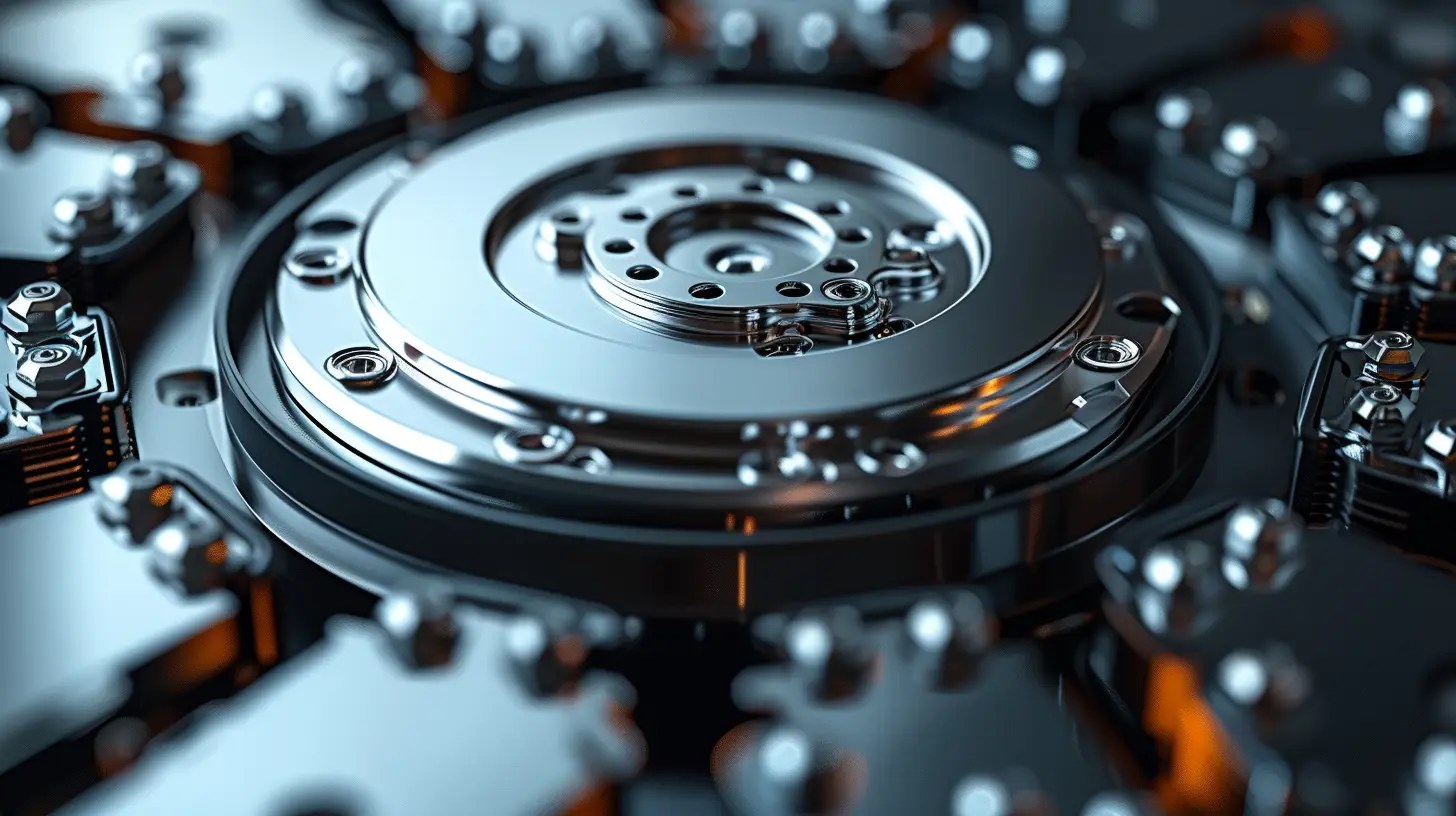
Top Picks for The Best External Hard Drives in 2023
Now that we’ve covered the basics, it's time to get to the fun part: the best external hard drives available right now. Whether you need something fast, something huge, or something ultra-portable, I’ve got you covered.1. Western Digital My Passport (Best for Everyday Use)
Western Digital’s My Passport line is a fan favorite, and for good reason. It strikes the perfect balance between storage capacity, speed, and affordability. Available in sizes ranging from 1TB to 5TB, this drive is great for anyone looking to back up photos, documents, and other personal files.Plus, it’s compact and lightweight, making it easy to carry around. It also includes password protection and hardware encryption, so you can rest easy knowing your data is secure.
Why we love it:
- Affordable price point
- Compact and portable
- Built-in security features
2. Samsung T7 Portable SSD (Best for Speed)
If speed is what you’re after, look no further than the Samsung T7 Portable SSD. This little powerhouse offers lightning-fast transfer speeds thanks to its USB 3.2 Gen 2 interface. Whether you’re transferring large video files or running applications directly from the drive, the T7 won’t disappoint.It’s also incredibly durable, with shock resistance up to 6 feet. And did I mention it’s about the size of a credit card? This is the perfect choice for anyone who needs performance and portability in one sleek package.
Why we love it:
- Blazing fast transfer speeds
- Small and lightweight
- Shock-resistant design
3. LaCie Rugged Mini (Best for Durability)
For those who need a drive that can take a beating, the LaCie Rugged Mini is a top contender. This rugged external hard drive can withstand drops, water, and even a bit of dust, making it perfect for outdoor adventures or rough work environments.It’s available in capacities ranging from 1TB to 5TB, and while it’s an HDD (so it won’t be as fast as an SSD), it’s reliable and tough as nails. Plus, that iconic orange bumper is hard to miss.
Why we love it:
- Extremely durable
- Great for travel and rough environments
- Water and dust resistant
4. Seagate Backup Plus Hub (Best for High Capacity)
If you’re looking for a massive amount of storage, the Seagate Backup Plus Hub is where it’s at. This external HDD offers up to 14TB of space, making it ideal for those who need to store huge amounts of data, like 4K video footage or extensive media collections.It also comes with two integrated USB ports, so you can charge your devices or connect other peripherals directly to the drive. While it’s not the most portable option (it’s a bit bulkier than others), it’s a fantastic choice for stationary setups.
Why we love it:
- Huge storage capacity
- Built-in USB hub
- Affordable for the amount of storage you get
5. SanDisk Extreme Portable SSD (Best for Portability)
If you’re constantly on the move, the SanDisk Extreme Portable SSD is a fantastic option. This tiny but mighty SSD offers fast transfer speeds and up to 4TB of storage, all in a package that’s small enough to fit in your pocket.It’s also built to withstand the elements, with water and dust resistance, as well as shock protection. Whether you’re an adventure photographer or just someone who loves to travel light, this drive is perfect for you.
Why we love it:
- Ultra-portable design
- Fast transfer speeds
- Water and dust resistant
Conclusion
Choosing the right external hard drive comes down to understanding your unique storage needs. Whether you prioritize speed, durability, capacity, or price, there’s an option out there for everyone. If you’re looking for everyday backups, the Western Digital My Passport is a reliable and affordable choice. Need maximum speed? Samsung’s T7 Portable SSD has you covered. For those who are always on the go, the SanDisk Extreme Portable SSD is a great pick.Whichever drive you choose, remember that backing up your data regularly is essential. Trust me, future you will be thankful when you’ve got all your files safely stored away.
all images in this post were generated using AI tools
Category:
Review GuidesAuthor:

Gabriel Sullivan
Discussion
rate this article
2 comments
Lennox McCray
Which drive offers the fastest speed?
April 13, 2026 at 2:41 AM
Gabriel Sullivan
The Samsung T7 is often praised for its fast speed among external drives.
Maren McFarland
Secure your memories, embrace the future!
March 24, 2026 at 5:03 AM
Gabriel Sullivan
Absolutely! A reliable external hard drive is key to keeping your memories safe while you explore new possibilities.