The Best Smart Plugs for Automating Your Home
24 January 2026
Okay, let’s be real for a second. We live in a time where telling your coffee maker to brew while you're still snuggled in bed is actually possible. It's not magic. It’s not sci-fi. Nope—it’s smart plugs, baby! These little brainy boxes turn your “dumb” devices into obedient gadgets ready to serve your every whim. Wanna control your lamp, space heater, or even your Christmas lights from your couch? Then welcome to the wonderful world of smart plugs.
In this blog, we’re diving deep into the whacky (but insanely helpful) arena of smart plugs. I’ll walk you through the best smart plugs for automating your home and turning your living space into a lazy tech-lover’s paradise.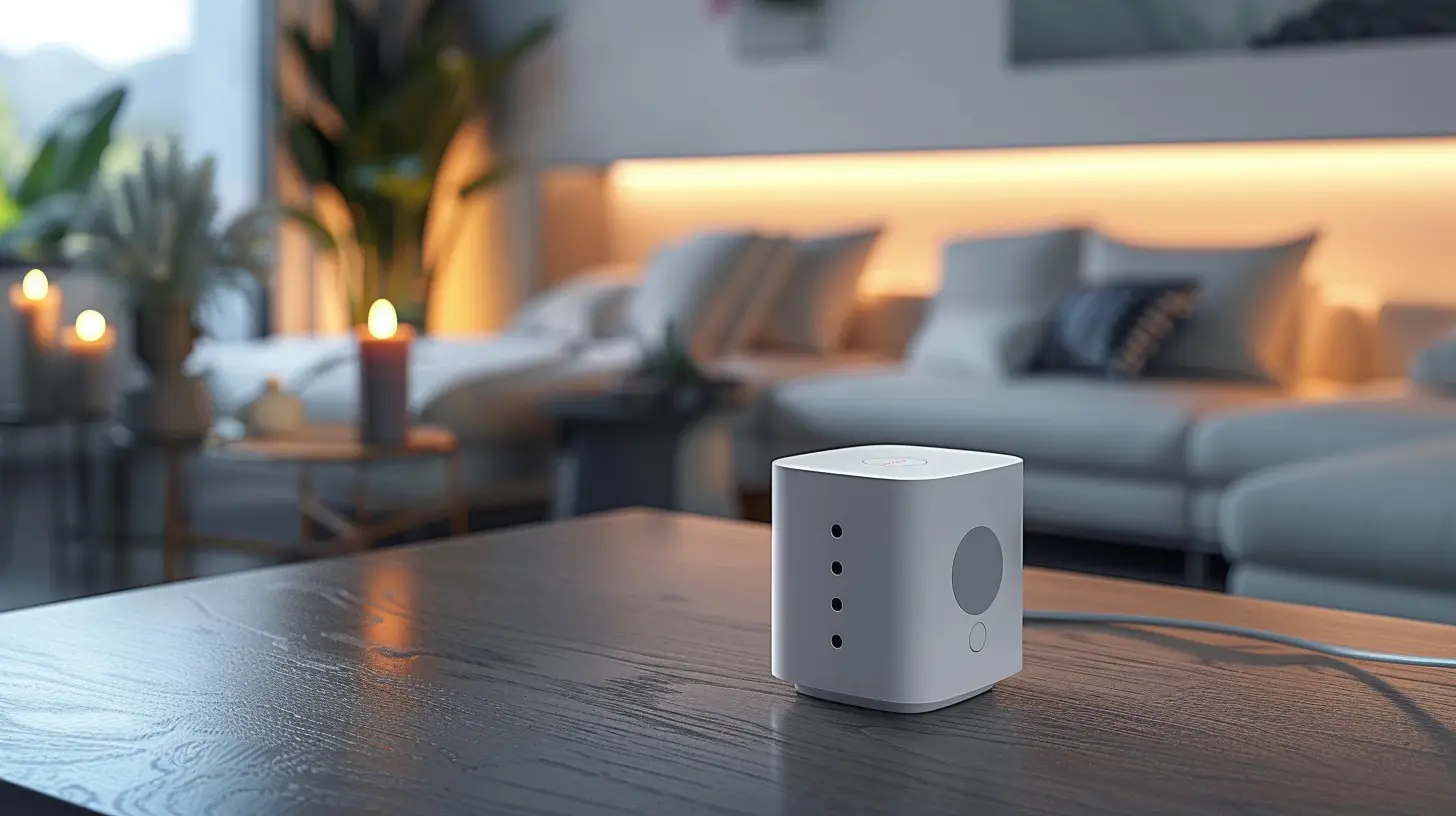
What the Heck is a Smart Plug Anyway?
Before we go plug-crazy, let’s crush the basics. A smart plug is a small adapter that you plug into a regular power outlet. It connects to your Wi-Fi and lets you control whatever device is plugged into it using your smartphone or voice assistant like Alexa, Google Assistant, or Siri.It’s like giving your old-school devices a brain transplant. No scalpels involved.
You can schedule them, turn them on/off from anywhere, monitor energy usage, and even set up automation scenes. “Movie night” mode? Boom. All the lights dim, popcorn machine turns on, and lava lamp kicks in with a groovy glow.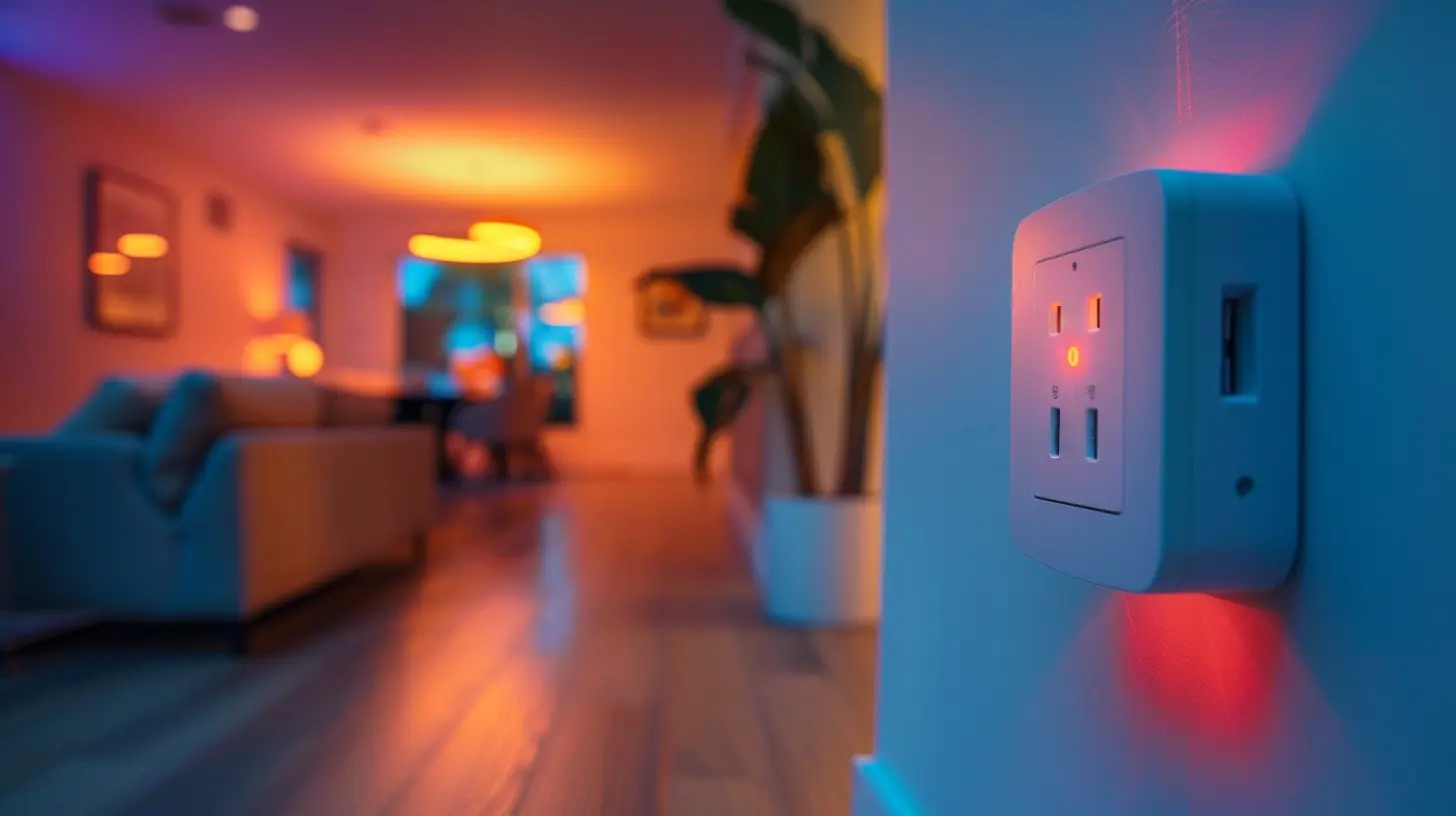
Why You Actually Need a Smart Plug
Let’s not sugarcoat it—smart plugs are awesome. But beyond the obvious cool factor, they actually solve real problems:- 💡 Forget to turn off the curling iron? Kill the power remotely.
- 🛏 Lazy AF in bed and left the lights on? App control for the win.
- 🌎 Want to reduce energy waste and lower your bill? Smart plugs got you.
- ⏳ Want to automate your routines? Have your coffee brewed when you wake up.
Seriously, once you try one, it’s like opening a bag of chips. You can’t stop at one.
What to Look for Before Getting Plugged In
Hold up. Before you sprint to Amazon and buy the first plug in sight, let’s talk about what actually matters.✅ Compatibility
Check if the smart plug is compatible with your voice assistant or smart home ecosystem. If you’re team Alexa and the plug only works with Google Assistant, you’ll be disappointed (and slightly annoyed).✅ Size Does Matter
Some bulky smart plugs will hog both slots of a wall outlet. Nobody needs that kind of energy vampire. Go slim if possible.✅ Energy Monitoring
Wanna keep tabs on how much power your devices are guzzling? Look for a plug with built-in energy monitoring.✅ App Experience
You’ll be using the app a lot, so make sure it’s not clunky or full of bugs. A beautiful UX = a happy smart home life.
The Best Smart Plugs for Automating Your Home
Now onto the juicy part. Let’s break down the MVPs of smart plugs—the ones that deserve a gold star and maybe even their own reality show.1. TP-Link Kasa Smart Plug HS105 – The OG Legend
If smart plugs were celebrities, the Kasa HS105 would be Beyoncé. It’s been around, it’s trusted, and it always performs.Why It Rocks:
- Super reliable Wi-Fi connection (dual-band = no hiccups)
- Compact form factor (won’t block the other outlet)
- Works with Alexa and Google Assistant
- App is clean and packed with scheduling & timer features
Quirky Bonus: The Kasa app lets you create crazy routines like turning on your fan and desk light at 6:33 AM precisely—because why not?
2. Amazon Smart Plug – Alexa’s BFF
Got Echo devices all over your house? This one’s a no-brainer.Why It Rocks:
- Seamless Alexa integration (literally plug it in, Alexa finds it)
- Super easy setup through the Alexa app
- Rock-solid performance
One Drawback: Won’t work with Google Home or Apple HomeKit. Sorry team Google/Apple.
3. Wemo Smart Plug – The Sleek Contender
Wemo’s got the style and smarts. It’s like the James Bond of smart plugs.Why It Rocks:
- Works with Alexa, Google Assistant, AND Apple HomeKit (we love a universal plug)
- Clean, minimal design
- Away Mode to fake being home when you’re vacationing
Pro Tip: Use it with Siri shortcuts to do voice magic like “Hey Siri, bedtime” and shut everything down.
4. Meross Smart Wi-Fi Plug – Budget Friendly Brainiac
Need to automate your home without draining your wallet? The Meross plug is the answer.Why It Rocks:
- Dirt cheap (in the good way)
- Solid compatibility across Alexa, Google, and HomeKit
- Energy monitoring feature included
Watch Out: The app’s not the fanciest, but it gets the job done.
5. Wyze Plug – The Underdog That Overdelivers
Wyze is the scrappy startup kid turning heads. Their plug? A sleeper hit.Why It Rocks:
- No-nonsense setup
- Great value for the price
- Killer app with scheduling and automation galore
Bonus Quirk: If you’ve got other Wyze gear (cams, bulbs), it’s all beautifully tied together.
Fun Ways to Use Smart Plugs (Because Serious is Boring)
Let’s go beyond the regular “turn off the lamp” stuff. Here are some weirdly genius ways to use smart plugs:- Start brewing coffee before you even get out of bed. Set a schedule for 6:45 AM. Wake up and smell the productivity.
- Create a ‘do not disturb’ work zone. Plug in a red light bulb and turn it on during Zoom calls so your roommates know what’s up.
- Save your marriage by turning off noisy fans no one remembers. Just schedule them to shut off automatically.
- Automate your holiday lights. Because honestly, who remembers to unplug those glowing Santas at midnight?
- Pre-heat your slow cooker remotely. So dinner’s ready by the time you stagger home from work.
Because the more ridiculous the automation idea, the better. Just because you can control your lava lamp via phone doesn’t mean you should—but you totally will.
Heads Up: Common Smart Plug Pitfalls to Avoid
We’ve all been there—buying something with high hopes only to find out it’s a flaming disappointment in plastic form. Here's what to avoid:- Don’t skip reading the fine print. Some plugs only work on 2.4GHz Wi-Fi. If your router’s too fancy, you may need to tweak things.
- Don’t cheap out too hard. There are $5 plugs that act more like paperweights. Stick to reputable brands.
- Don’t overload them. They’re not built for high-power devices like AC units or giant heaters.
Treat them well, and they’ll make your life ridiculously convenient.
Ready to Get Plugged In?
Honestly, smart plugs are the easiest (and sneakiest) way to dip your toes into the smart home universe. They’re affordable, easy to use, and wildly flexible. Whether you’re a home automation junkie or a total newbie, there’s a smart plug calling your name.Start with one. Maybe two. Before you know it, you’ll be controlling every lamp, fan, and fish tank in your house without ever leaving the couch.
Because if we’re not living like The Jetsons yet… we're at least taking baby steps with smart plugs.
Final Thoughts
So there you have it—the weird, wonderful, and oh-so-essential world of smart plugs. They’re the low-key heroes of home automation, and they’re just waiting to make your life easier. Whether you’re automating your morning coffee, faking presence at home, or just too lazy to get up and flip a switch, these little devices are true game-changers.Now go ahead—plug in, boot up, and sit back. Your smart home journey starts with one little click.
all images in this post were generated using AI tools
Category:
Review GuidesAuthor:

Gabriel Sullivan
Discussion
rate this article
2 comments
Finnegan McVicar
This article provides a comprehensive overview of smart plugs, highlighting their benefits for home automation. It effectively compares features, pricing, and compatibility, making it easier for readers to make informed choices. A well-rounded guide for anyone looking to enhance their smart home setup!
March 5, 2026 at 11:26 AM
Gabriel Sullivan
Thank you for your thoughtful feedback! I'm glad you found the article helpful for enhancing your smart home setup.
Hope Riley
Say goodbye to manual switches! Smart plugs: your home’s new best friend for effortless automation!
January 25, 2026 at 3:39 AM
Gabriel Sullivan
Thank you! Smart plugs truly revolutionize home automation, making everyday tasks easier and more convenient.