Understanding Routers and Modems: What You Really Need
1 February 2026
Ever wondered why your internet speeds are sluggish or why your Wi-Fi keeps dropping? The problem might not be your internet service provider—it could be your router and modem setup. But what exactly are routers and modems, and do you really need both? Let's break it down in a way that actually makes sense.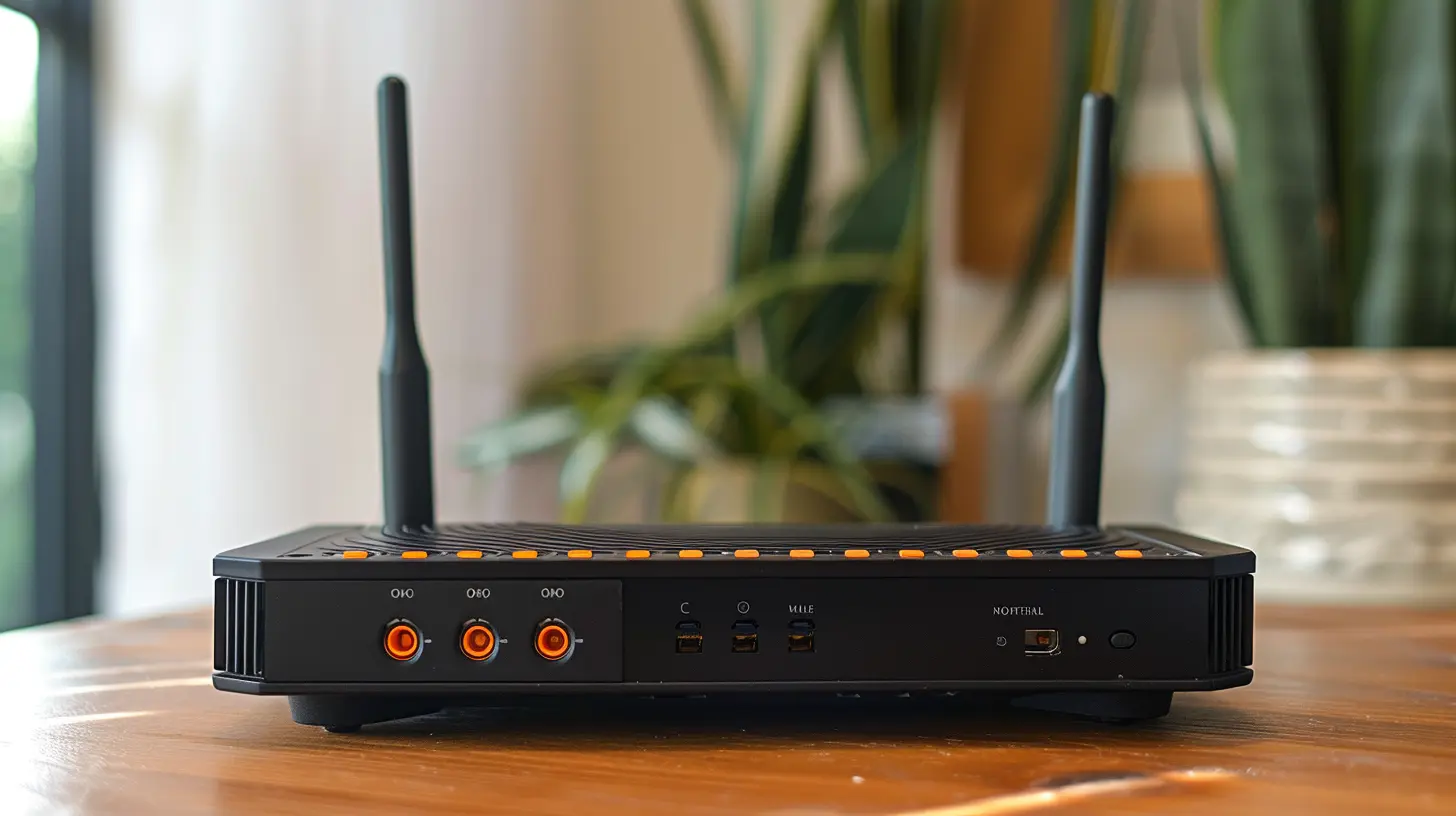
Modem vs. Router: What's the Difference?
Before diving into the technical stuff, let's get one thing straight: modems and routers are not the same thing. Many people use these terms interchangeably, but they serve different functions.What Is a Modem?
A modem is your gateway to the internet. It connects your home to your internet service provider (ISP) through a cable, fiber, or DSL line. Think of it as a translator—it takes the signals from your ISP and converts them into data that your devices can understand.Without a modem, you wouldn't be able to access the internet at all. But here's the catch: a modem only connects one device (like your computer) to the internet. If you want multiple devices online, you’ll need something else—a router.
What Is a Router?
A router is like the middleman between your modem and all your devices. It takes the internet connection from your modem and shares it via Wi-Fi or Ethernet cables.If the modem is like a single landline phone, the router is like a switchboard operator, directing calls (or in this case, data) to different phones (your devices). Without a router, you’d have to plug your devices directly into the modem one at a time—not exactly practical in a household with phones, laptops, gaming consoles, and smart devices all fighting for a connection.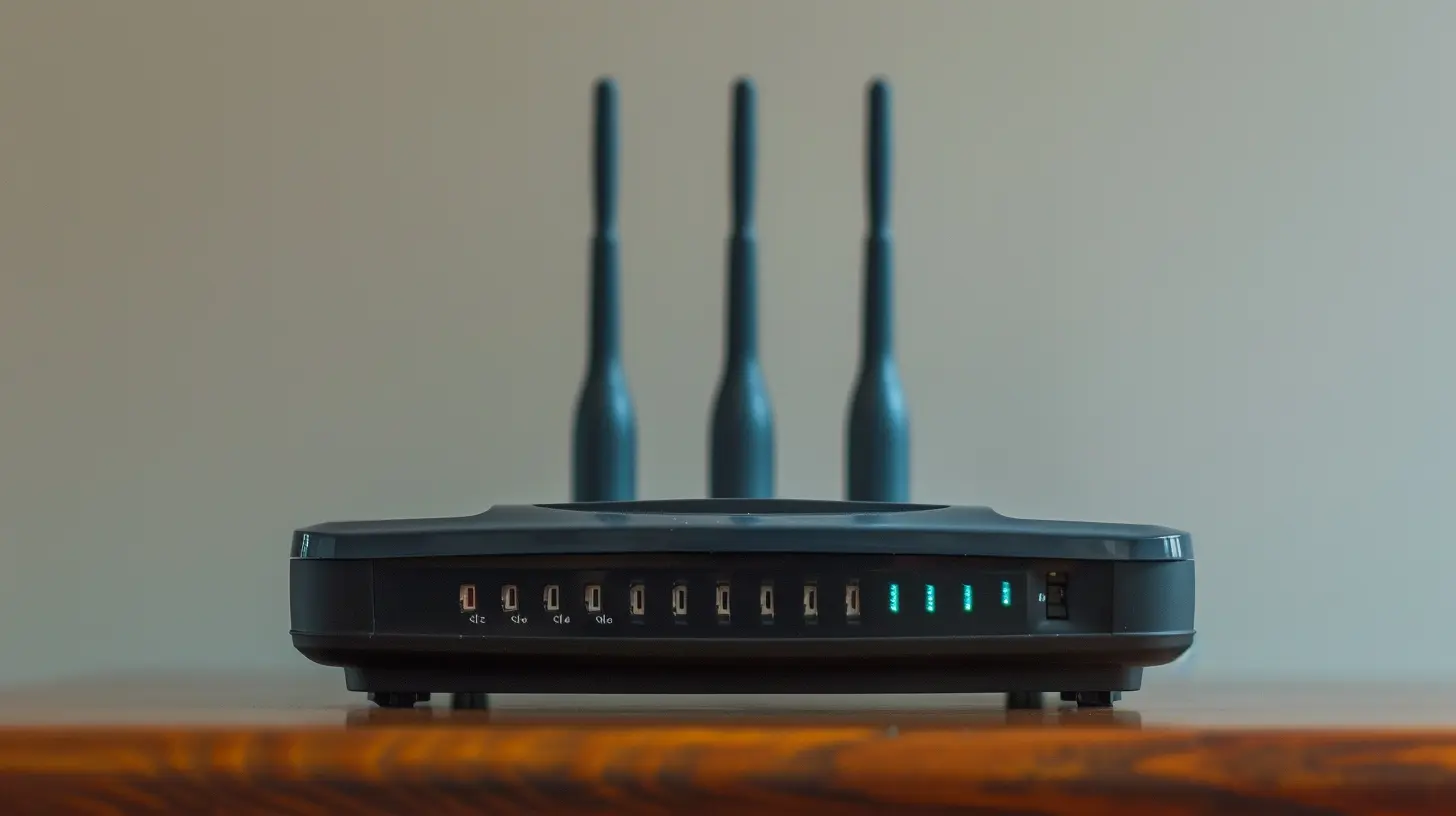
Do You Need Both a Modem and a Router?
Short answer: Yes, if you have multiple devices connecting to the internet.Your internet service provider (ISP) gives you access to the internet through a modem. However, if you also want Wi-Fi, connect multiple devices, or add security features like firewalls, you need a router.
That said, many ISPs now offer modem-router combos—a device that combines both functions. These are great for simplicity, but they can sometimes lack the flexibility and performance of separate devices.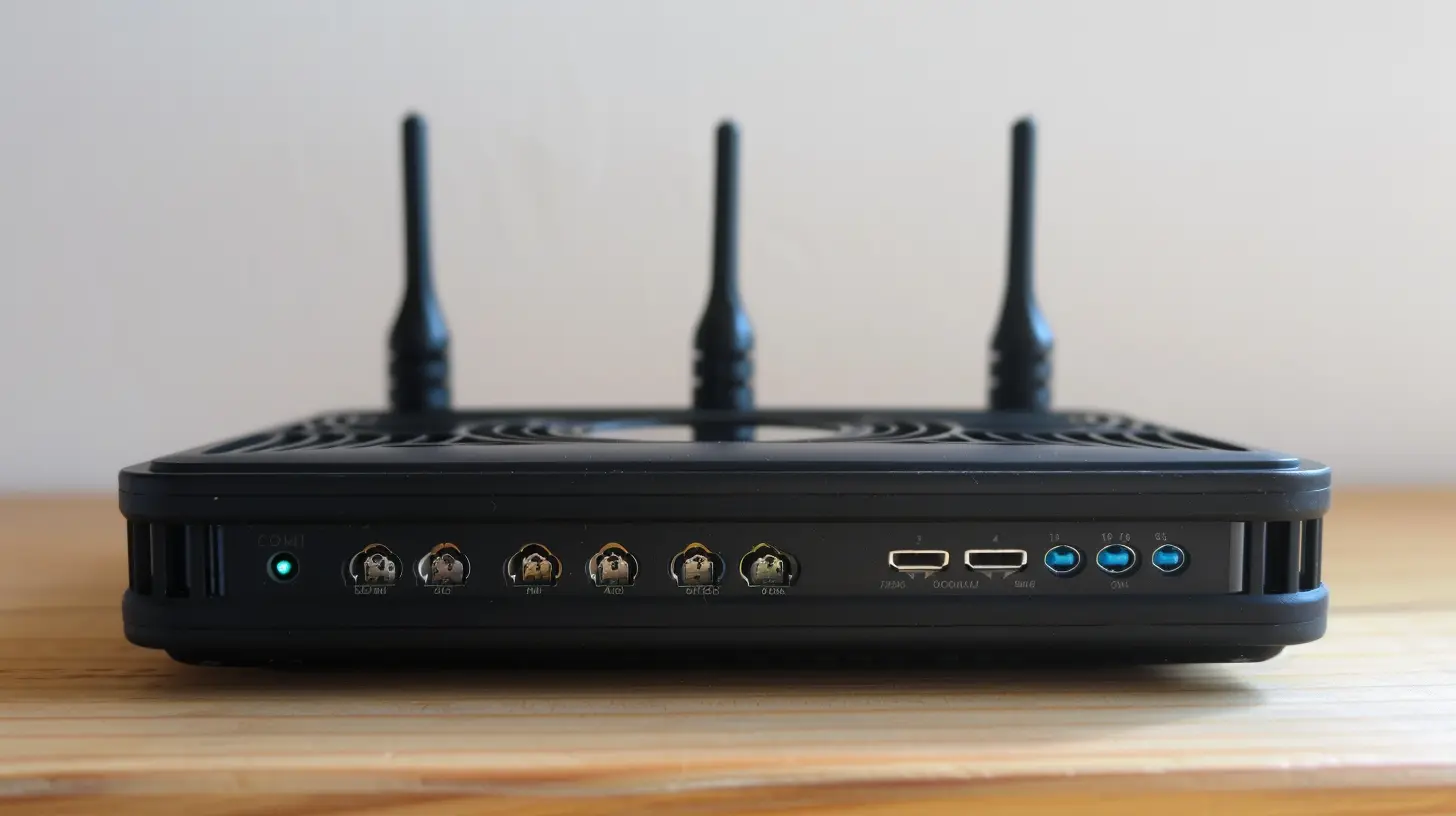
How They Work Together
Here’s a simple way to understand how modems and routers work together:1. The modem receives internet from your ISP.
2. The router distributes that internet to multiple devices via Wi-Fi or Ethernet.
Without a router, you'd have to plug each device directly into your modem. Imagine trying to have a family dinner with only one plate—pretty inconvenient, right? The router ensures every device gets its fair share of internet.
Types of Modems and Routers
Types of Modems
There are several types of modems, depending on your internet connection type:- DSL Modem – Used for internet connections via phone lines.
- Cable Modem – Connects through coaxial cables (like cable TV).
- Fiber Modem (ONT – Optical Network Terminal) – Converts fiber optic signals into data for your devices.
If you're unsure what kind of modem you need, check with your internet provider.
Types of Routers
Similarly, routers come in different forms:- Wired Routers – Require Ethernet cables to connect devices.
- Wireless (Wi-Fi) Routers – Provide internet access over Wi-Fi. Most home users prefer this for convenience.
- Mesh Wi-Fi Systems – Cover large areas with multiple access points, eliminating Wi-Fi dead zones.
Picking the right router depends on the size of your home, the number of devices, and your internet speed. Some routers have advanced features like dual-band or tri-band Wi-Fi, which help reduce congestion when multiple devices are connected.
What to Consider When Buying a Modem or Router
If you're shopping for a modem and router, here are a few things to keep in mind:1. Compatibility with Your ISP
Not all modems work with every internet provider. Before buying one, check with your ISP to see which models are supported. ISPs often provide a list of compatible devices.2. Internet Speed Support
Ensure your modem and router support the speeds you’re paying for. If you have a gigabit-speed internet plan, you'll need a modem and router that can handle those speeds.3. Wi-Fi Range and Coverage
For large homes, a basic router may not provide enough coverage. Consider a mesh Wi-Fi system if you have multiple floors or thick walls that block signals.4. Number of Ethernet Ports
If you have multiple wired devices (like gaming consoles, smart TVs, or desktop computers), having extra Ethernet ports on your router is useful.5. Security Features
A good router offers features like firewalls, WPA3 encryption, and parental controls to keep your home network safe. Some high-end routers even come with built-in VPN support.Should You Rent or Buy Your Modem and Router?
Most ISPs offer modem-router combos for a monthly rental fee, typically between $5 to $15 per month. While renting is convenient—since your ISP will handle updates and replacements—it can be more expensive over time.Why Buying Makes Sense
- Saves Money in the Long Run – A good modem and router setup costs around $100-$250, which pays for itself in 1-2 years.- Better Performance – ISP-provided routers are often outdated and lack advanced features.
- More Control Over Settings – When you own your router, you can tweak settings like port forwarding, QoS (Quality of Service), and parental controls.
If you plan to stay with the same ISP for a while, investing in your own modem and router is a smart choice.
Common Router and Modem Problems (And How to Fix Them)
Even the best setups can have issues. Here are a few common problems and quick fixes:1. Slow Wi-Fi Speeds
- Restart your modem and router – Sometimes, a simple reboot fixes speed issues.- Check for interference – Other Wi-Fi networks, microwaves, and thick walls can slow things down.
- Upgrade to a better router – If your router is old, it might not handle modern high-speed internet well.
2. Internet Keeps Dropping
- Check cable connections – Loose cables can cause intermittent disconnections.- Update firmware – Keeping your router's firmware up to date can fix stability issues.
- Move your router – Placing it in a central location improves coverage.
3. Buffering When Streaming
- Use a wired connection – Ethernet provides a more stable connection than Wi-Fi.- Upgrade to a dual-band router – This helps separate slower and faster devices for smoother streaming.
Final Thoughts
Routers and modems are the backbone of your home internet. Understanding the difference between them and choosing the right setup can significantly improve your connection speed, reliability, and security.If your internet feels slow, dropping constantly, or struggling with multiple devices, your router and modem could be to blame. Investing in high-quality equipment can make all the difference. After all, in today's world, a good internet connection isn't just a luxury—it's a necessity!
all images in this post were generated using AI tools
Category:
NetworkingAuthor:

Gabriel Sullivan
Discussion
rate this article
2 comments
Maxine Ramirez
Great article! Understanding the distinction between routers and modems is crucial for optimizing your internet experience. Your insights will empower readers to make informed tech choices. Keep it up!
March 10, 2026 at 3:58 AM
Gabriel Sullivan
Thank you so much for your kind words! I'm glad you found the article helpful. Happy to empower readers with tech insights!
Misty Franco
Great overview! Clarifies router and modem differences well.
February 6, 2026 at 4:06 AM
Gabriel Sullivan
Thank you! I'm glad you found it helpful.