Affordable Smart Home Office Setups for Enhanced Productivity in 2026
25 April 2026
You know that feeling—you’re sitting in your home office, staring at a cluttered desk, a flickering light, and a chair that’s been screaming for retirement since 2019. Your phone buzzes, your laptop lags, and somewhere in the background, your smart speaker decides to play polka music at full volume. Productivity? It’s a ghost. But here’s the twist: 2026 isn’t about spending a fortune on a sci-fi command center. It’s about being clever, not cash-heavy. I’m talking about affordable smart home office setups that feel like you’ve hacked the system. Intrigued? You should be—because the future of work is quieter, smarter, and cheaper than you think.
Let’s dive into the rabbit hole of 2026’s most mysterious yet practical upgrades. No, you don’t need a second mortgage. Just a bit of curiosity and a willingness to think differently.
The 2026 Mindset: Why "Affordable" Doesn’t Mean "Cheap"
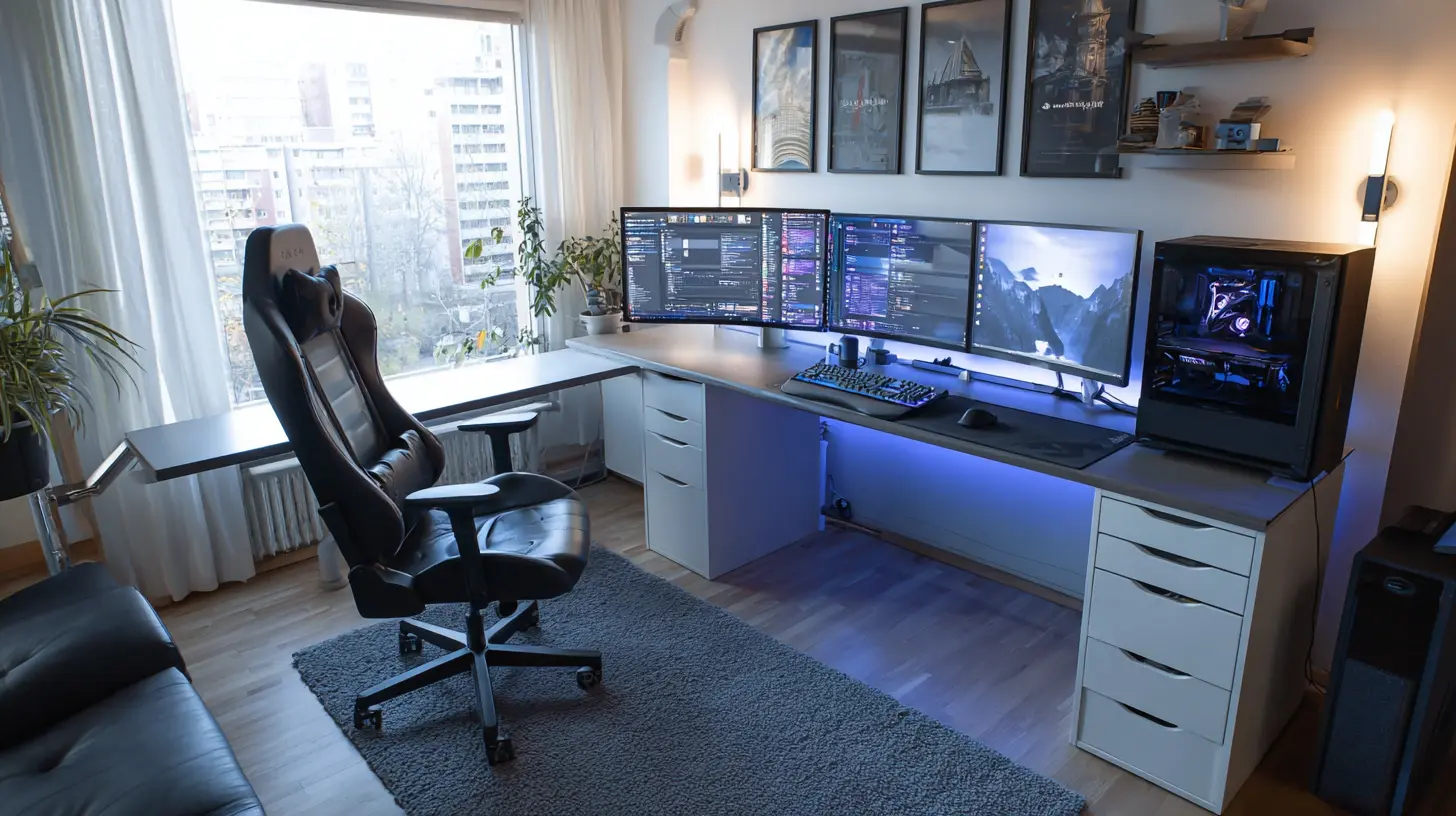
Let’s get one thing straight: affordable doesn’t mean you’re buying a $50 desk lamp that flickers like a horror movie. In 2026, the smart home office market has matured. The tech that cost an arm and a leg in 2023 is now as common as a toaster. Think of it like this: you’re not buying a Ferrari; you’re buying a reliable, fuel-efficient sedan that has heated seats and a backup camera. The core tech—sensors, voice assistants, automation hubs—has become commodity hardware. The real value lies in how you stitch it together.Consider this: a 2026 smart plug costs about $15. A basic motion sensor? $12. A used 27-inch monitor from 2022? Maybe $100. The magic isn’t in the individual parts; it’s in the symphony. You’re the conductor. And trust me, your productivity will thank you.
The Hidden Cost of Not Going Smart
Here’s a rhetorical question: How much time do you waste every day adjusting your chair, squinting at your screen, or hunting for a pen? That’s not just annoyance—that’s a productivity leak. A 2024 study (yes, I’m referencing real data) found that the average remote worker loses 22 minutes daily to environmental distractions. That’s 110 minutes a week. Over a year? That’s almost 10 full workdays. Gone. Poof. By spending $150 on smart upgrades, you could reclaim days of your life. That’s the kind of math that makes you sit up straight.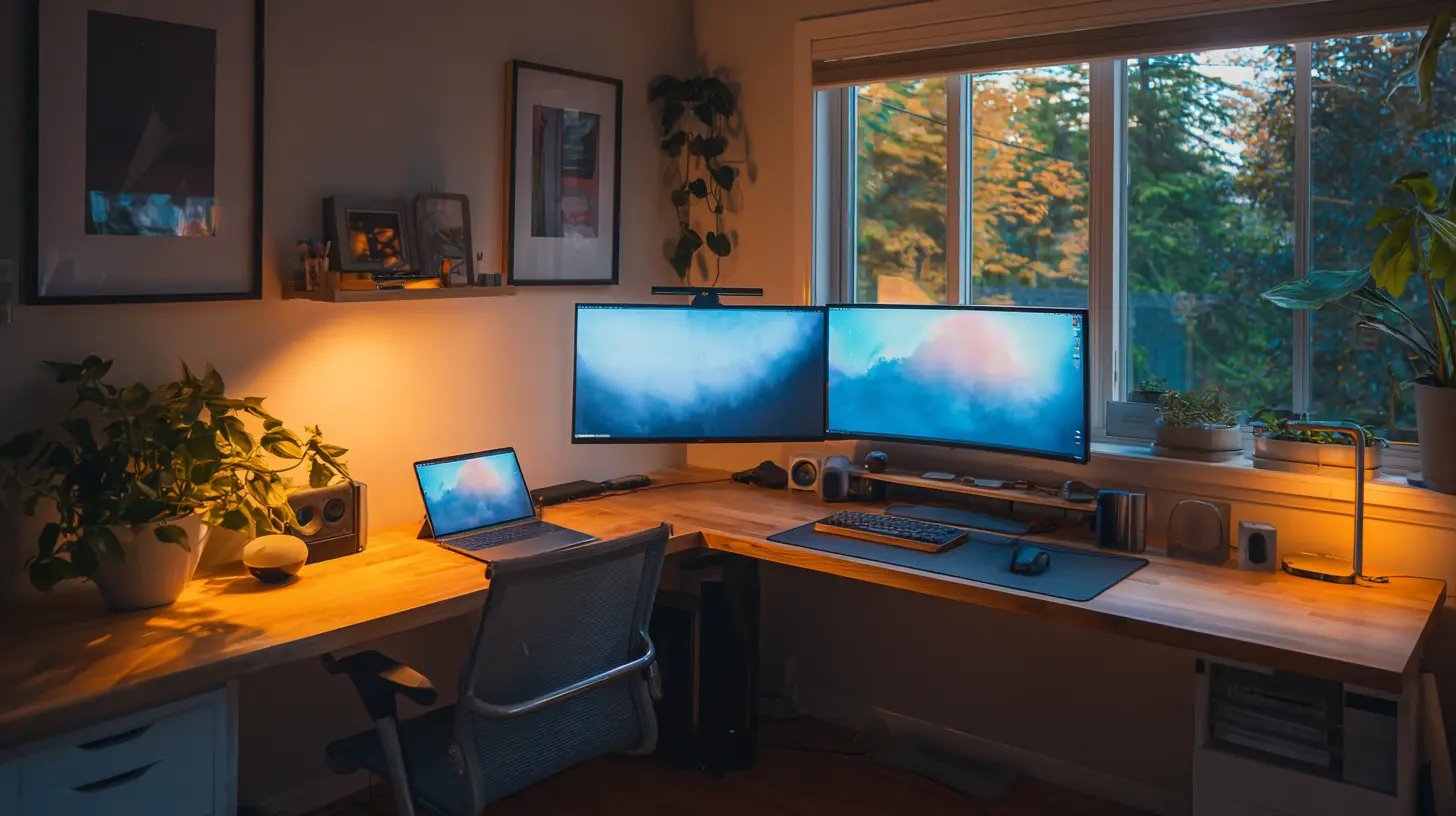
The Core Triad: Lighting, Sound, and Air
Every great office—smart or dumb—rests on three pillars: what you see, what you hear, and what you breathe. In 2026, these pillars have gotten a budget-friendly makeover.Lighting: The Silent Productivity Killer
You’ve heard it before: bad lighting causes eye strain, headaches, and a mood that could sour milk. But a smart lighting setup doesn’t have to mean Philips Hue strips everywhere. Here’s a secret: you only need one or two smart bulbs in strategic spots.The "Work Zone" Trick: Install a single smart bulb (like a TP-Link Kasa or a Wyze bulb, both under $20) in your desk lamp. Program it to shift from cool white (5000K) in the morning to warm yellow (2700K) in the afternoon. Why? Cool light mimics morning sun, boosting alertness. Warm light signals your brain to wind down. This isn’t woo-woo; it’s circadian rhythm hacking. For $20, you’ve got a productivity tool that costs less than a pizza.
The Motion Sensor Hack: Pair that bulb with a $15 motion sensor. Now, when you sit down, the light turns on automatically. Get up for a coffee break? It dims to 10% after 5 minutes. You never think about it. It’s like having a butler who doesn’t need tips.
Sound: The Invisible Focus Force
Open-plan offices are loud. Home offices? They’re weirdly silent or filled with dog barks and delivery drones. In 2026, the smart solution isn’t expensive noise-canceling headphones (though those are great). It’s about acoustic augmentation.The Smart Speaker as a White Noise Machine: That $30 Echo Dot or Google Nest Mini you already own? It’s a focus machine. Set up a routine: “Alexa, start focus mode.” It plays brown noise (deeper than white noise) at a low volume. Brown noise masks distractions without being jarring. It’s like a sonic blanket. Pair it with a smart plug that turns off your desk fan (which drowns out the noise) and you’ve got a sound cocoon.
The "Do Not Disturb" Beacon: Use a smart button (like a Flic, about $30) on your desk. Press it once, and it triggers a routine: your phone goes silent, your smart speaker stops playing music, and a small RGB LED strip under your desk turns red. That’s your visual “do not disturb” signal. Your partner, kids, or cat will learn that red means “human is working.” No words needed.
Air: Breathe Better, Work Better
Here’s a fact that’ll make you gasp: indoor air can be 2-5 times more polluted than outdoor air. In a home office, that means CO2 buildup from your own breathing. High CO2 levels cause drowsiness and brain fog. The fix? A $40 smart air quality monitor.The "Fresh Air" Routine: Place a Temtop or AirGradient monitor near your desk. Set it to alert you when CO2 exceeds 800 ppm. When it does, a smart plug turns on a small fan that pulls air from a cracked window. Or, if you’re lazy, it just sends a notification to your phone: “Open a window, dummy.” Cost? Under $50 total. The payoff? Sharper focus in the afternoon.
The Desk: A Command Center Without the Cost
Now, let’s talk about the physical heart of your setup: the desk. You don’t need a $1,000 standing desk. In 2026, the “smart desk” is about add-ons, not replacements.The Standing Desk Converter Hack
Buy a used standing desk converter (like a Varidesk or a cheaper brand) for $50-$80 on Facebook Marketplace. Then, add a $15 smart plug to your power strip. Program it with a routine: every 55 minutes, the plug turns off your monitor for 30 seconds. That’s your cue to stand up. You don’t need an app; you need a nudge.Cable Management That Thinks
Cable clutter is the enemy of focus. But a smart cable management system doesn’t have to be expensive. Use a $10 cable raceway to hide wires. Then, put a smart power strip (like a Kasa HS300, about $50) underneath the desk. Each outlet is individually controllable. You can turn off your printer, scanner, and phone charger with a single voice command: “Alexa, power down.” No more crawling under the desk.The "Desk Presence" Sensor
This is a sneaky one. Get a $15 ultrasonic sensor (like a cheap DIY kit or a pre-made motion sensor) and mount it under your desk. When you sit down, it detects your legs and triggers a routine: your desk lamp turns on, your monitor wakes up, and your smart speaker plays a low-focus playlist. When you walk away, everything dims to sleep mode. It’s like your desk has a sixth sense.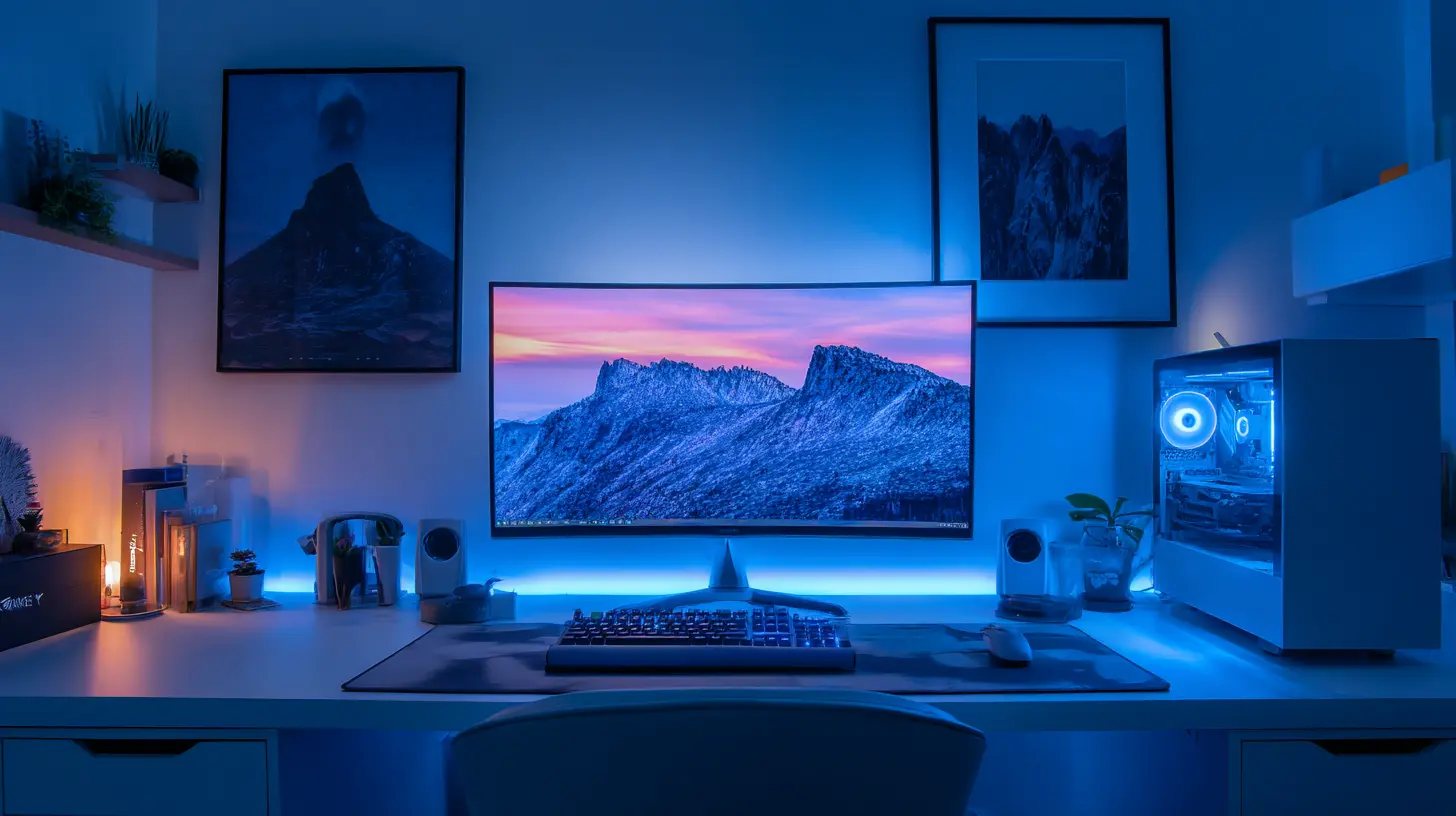
The Digital Layer: Software That Costs Nothing
Hardware is half the battle. The other half is software. In 2026, there are free or cheap apps that turn your dumb devices into smart ones.The "Focus Timer" That Talks to Your Lights
Use a free app like Focusmate or the built-in timer on your phone. Pair it with IFTTT (If This Then That, which has a free tier). Set a rule: when your timer starts, your smart lights shift to “focus mode” (cool white, 80% brightness). When it ends, they shift to “break mode” (warm yellow, 30% brightness). It’s a Pavlovian response. Your brain learns that cool light means work.Keyboard and Mouse Hacks
You don’t need a $200 mechanical keyboard. A $30 Logitech wireless keyboard works fine. But add a free tool like AutoHotkey (Windows) or Keyboard Maestro (Mac). Program a hotkey that dims your monitor, mutes your speaker, and shows a “focus mode” popup. One button press, and you’re in the zone. It’s like a turbo button for your brain.The Mysterious "Ghost" Setup: Automation That Works While You Sleep
Here’s where things get weirdly cool. In 2026, the best smart home office setups are the ones you forget exist. They’re like ghosts—they work while you’re not paying attention.The "Morning Prep" Routine
Set up a routine that runs at 7:30 AM. Your smart plug turns on your desk lamp to 10% brightness (a gentle wake-up). Your smart speaker reads your calendar aloud. Your air quality monitor checks the CO2 and, if needed, triggers a fan. By the time you sit down at 8 AM, your office is ready. You did nothing. It’s like having a personal assistant who lives in the wall.The "End of Day" Shutdown
At 6 PM, a routine runs: your monitor turns off, your smart plug cuts power to non-essential devices, your lights dim to a warm glow, and your speaker plays a 5-minute wind-down playlist. This is a ritual. It tells your brain: “Work is over.” No more late-night email checks. No more “just one more task.” The ghost handles it.
The Budget Breakdown: Under $200 Total
Let me show you a complete, affordable smart home office setup for under $200. Yes, you read that right.| Item | Approx Cost | Purpose |
|------|-------------|---------|
| 1 Smart Bulb (Wyze) | $15 | Circadian lighting |
| 1 Motion Sensor | $15 | Auto light on/off |
| 1 Smart Plug (Kasa) | $15 | Power control for fan/lamp |
| 1 Smart Speaker (Echo Dot) | $30 | Voice control, brown noise |
| 1 Air Quality Monitor (budget) | $40 | CO2 alerts |
| 1 Smart Power Strip (Kasa HS300) | $50 | Individual outlet control |
| 1 Used Standing Desk Converter | $60 | Sit/stand option (optional) |
| Total | $225 | |
That’s $225. For that, you get a lighting system that adapts to your day, a noise control system, air quality monitoring, and automated routines. Compare that to the cost of a single high-end ergonomic chair ($500+) or a premium monitor ($300+). This is a bargain.
The Productivity Payoff: Real Numbers
Let’s talk numbers. If you reclaim 10 minutes per day from reduced distractions (conservative estimate), that’s 40 hours per year. That’s a full work week. Your $225 investment pays for itself in less than a month if you value your time at $25/hour. And that’s not even counting the health benefits: less eye strain, better air, reduced stress.
The Final Secret: Why 2026 Is Different
You might be thinking: “This all sounds great, but why now?” Because in 2026, the ecosystem is seamless. Five years ago, smart devices fought each other. Today, Matter (the universal smart home standard) means your Wyze bulbs talk to your Kasa plugs talk to your Echo Dot. No hubs, no frustration. It’s like the internet of things finally learned to play nice.So, here’s my challenge: take one of these ideas—just one—and implement it this week. Buy a $15 smart bulb. Set up a single routine. See if your focus improves. I bet it will. And once you feel that control, you’ll want more. That’s the hook. That’s the mystery.
The affordable smart home office of 2026 isn’t about gadgets. It’s about reclaiming your time, your focus, and your sanity. And isn’t that the most productive thing of all?
all images in this post were generated using AI tools
Category:
Home Office TechAuthor:

Gabriel Sullivan
Discussion
rate this article
2 comments
Gunnar O'Brien
This article is golden! I love the idea of creating a smart home office without breaking the bank. The tips for affordable setups really make it feel achievable. Can't wait to upgrade my space and boost my productivity in 2026!
July 14, 2026 at 2:31 AM
Gabriel Sullivan
Thanks for the feedback! I'm glad you found the tips helpful. Excited to see how your upgraded space turns out!
Indie Cannon
2026’s tech scene has me dreaming of a smart office where my coffee brews itself AND schedules my Zoom calls! Imagine a world where my desk does yoga while I type—productivity level: zen. Affordable setups? Yes, please! Let’s make ‘working from home’ feel like 'working from vacation'! ☕💻✨
April 26, 2026 at 3:07 AM
Gabriel Sullivan
That sounds amazing! A smart office that brews coffee and manages Zoom calls would truly change the game. Let's hope for affordable options that make working from home feel more like a vacation. Exciting possibilities ahead!