How to Choose the Right Mechanical Keyboard for Your Setup
15 January 2026
So, you've decided to invest in a mechanical keyboard? Great choice! Whether you're a gamer, a programmer, or just someone who loves the satisfying click-clack of mechanical switches, getting the right keyboard can make all the difference.
But with so many options out there, how do you pick the perfect one for your setup? Don’t worry—I’ve got you covered! Let’s break it down step by step.
1. Why Go Mechanical?
Before we dive into the details, let’s quickly talk about why mechanical keyboards are worth the hype. Unlike traditional rubber-dome or membrane keyboards, mechanical keyboards use individual switches for each key, offering better durability, responsiveness, and typing experience.Here’s why people love them:
- Better typing feel – Each keystroke feels crisp and precise.
- Durability – Most mechanical switches last for 50-100 million keystrokes.
- Customizability – Swap out keycaps, tweak switches, or program macros to make it truly yours.
- Faster response time – Essential for gamers who need lightning-quick inputs.
Now, let’s get into the nitty-gritty of choosing the best one for you.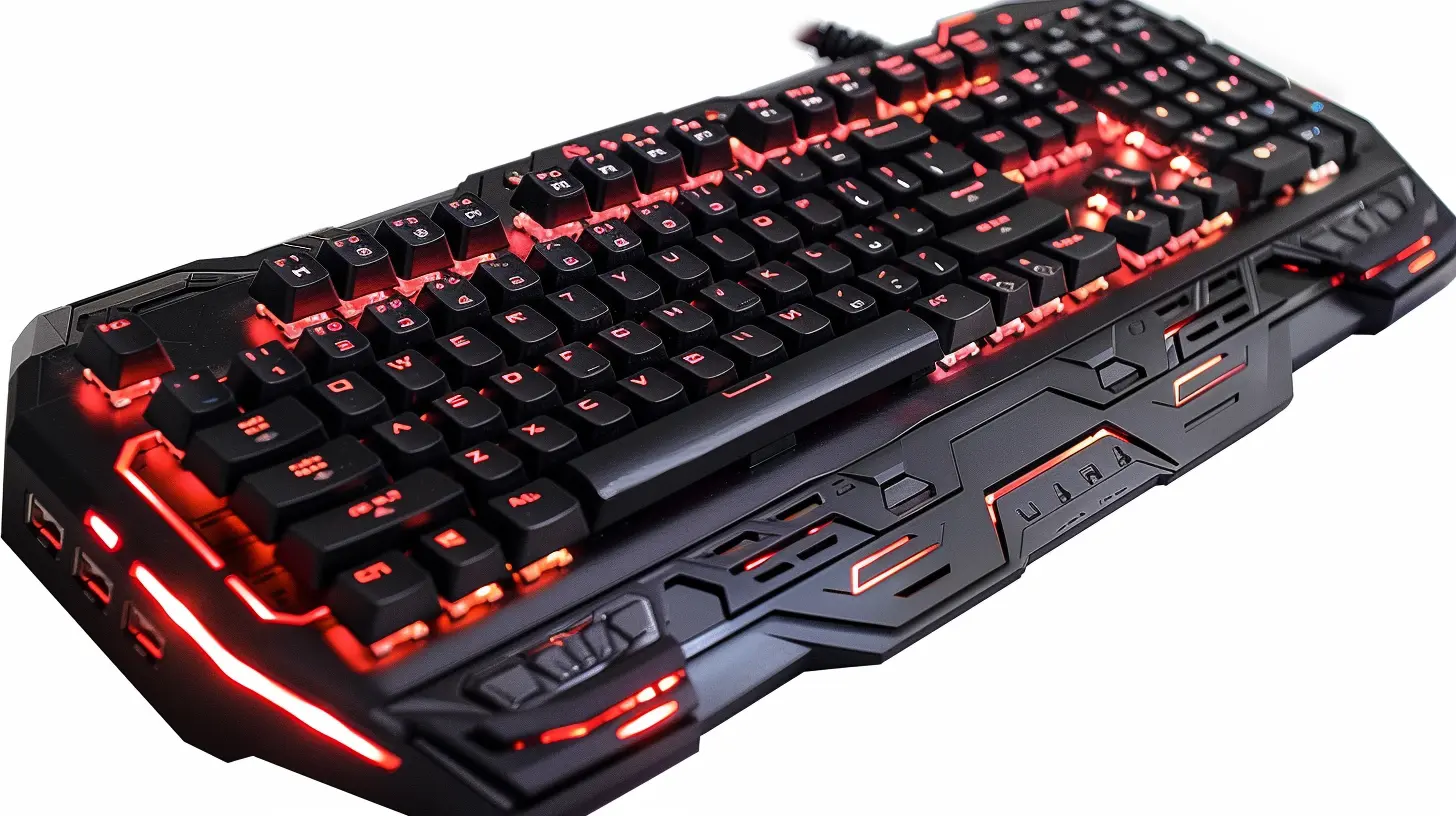
2. Choose the Right Keyboard Size
Mechanical keyboards come in various sizes. Picking the right one depends on your needs, desk space, and comfort level.🔹 Full-Size (100%)
- Includes all keys, including a numpad.- Best for professionals who frequently use numbers (accountants, data analysts).
- Takes up more desk space.
🔹 Tenkeyless (TKL - 87%)
- Like a full-size keyboard but without the numpad.- More compact while keeping the function row and arrow keys.
- A great middle ground for gamers and casual users.
🔹 75% Compact
- Similar to TKL, but keys are stacked closer together.- Saves even more desk space while keeping most important keys.
🔹 60% & 65% Keyboards
- No function row, no numpad, and often no arrow keys (on 60%).- The minimalist's dream—perfect for those who value desk space and portability.
- Has a learning curve since some functions rely on layered key combinations.
If you need dedicated function keys and a numpad, go full-size. If you want a balance of function and space, go for TKL or 75%. If portability matters most, a 60% or 65% might be your best bet.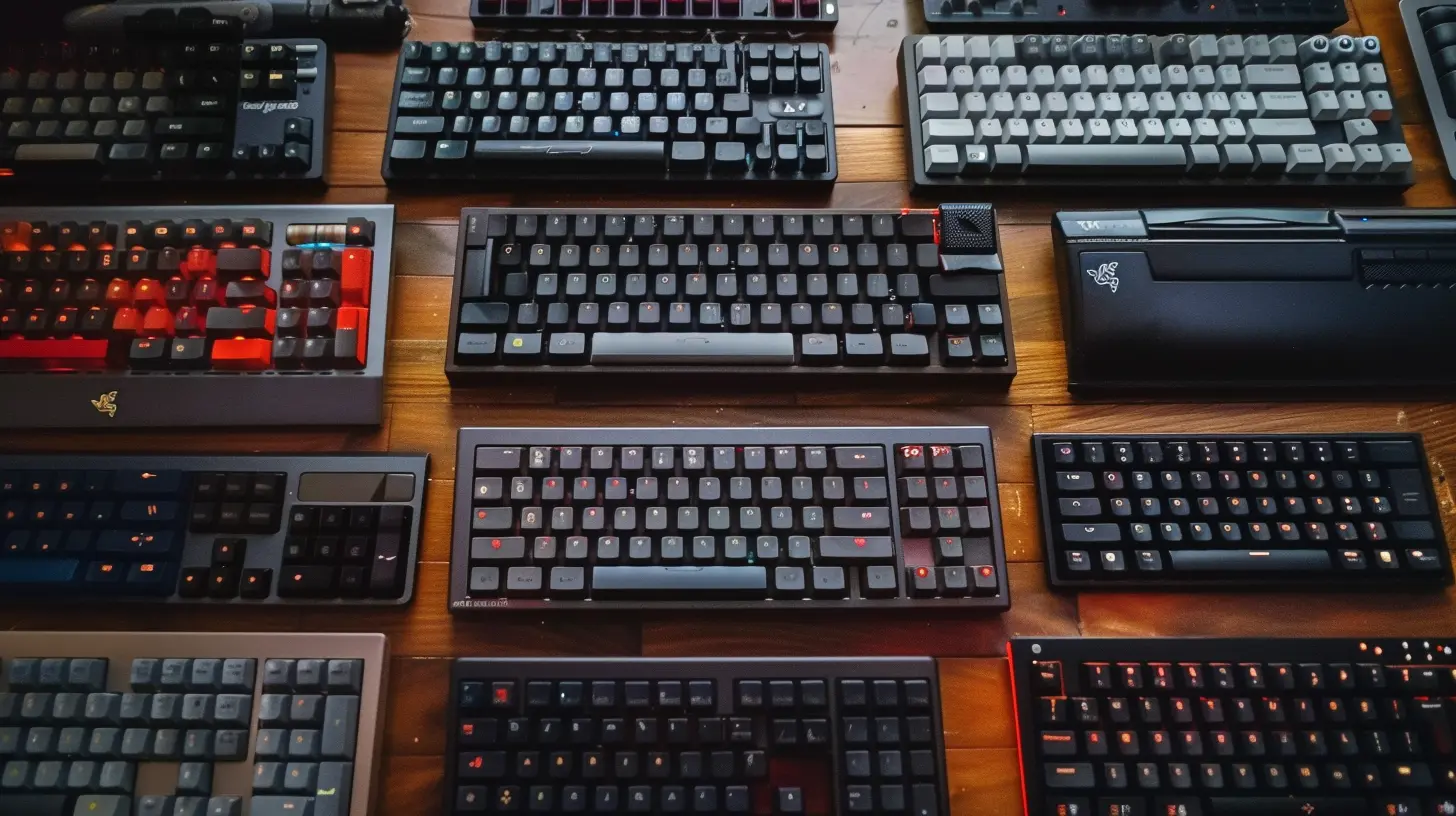
3. Choosing the Right Switches
The magic of mechanical keyboards lies in their switches. These determine how your keyboard feels and sounds when you type.There are three main types of mechanical switches:
🔵 Clicky Switches (For the Typing Enthusiasts)
- Loud, tactile, and oh-so-satisfying.- Best for writers, typists, or anyone who loves that classic typewriter sound.
- Examples: Cherry MX Blue, Razer Green, Kailh Box White.
🟢 Tactile Switches (The Middle Ground)
- Bumpy feedback, but quieter compared to clicky switches.- Ideal for both typing and gaming.
- Examples: Cherry MX Brown, Gateron Brown, Holy Panda.
🔴 Linear Switches (Smooth and Silent)
- No tactile bump, just a smooth press.- Preferred by gamers since it allows for faster keystrokes.
- Examples: Cherry MX Red, Gateron Yellow, Razer Red.
If you're a gamer, go for linear switches. If you do a lot of typing, clicky or tactile switches will be a better fit.
4. Wired vs. Wireless
Mechanical keyboards can be either wired or wireless.🔌 Wired Keyboards
- Low latency (faster response time).- No worries about battery life.
- Preferred by competitive gamers.
📡 Wireless Keyboards
- No messy cables for a cleaner desk setup.- Can connect via Bluetooth or 2.4 GHz wireless.
- Some models have slight input lag (though newer ones are much better).
If you’re a serious gamer, wired is the way to go. If you want a more clutter-free setup, go for wireless.
5. Build Quality & Keycap Material
Your keyboard's build quality affects durability and overall feel.🏗️ Keyboard Frame
- Plastic Frames: Lightweight but can feel flimsy.- Aluminum or Metal Frames: Sturdier and more premium.
⌨️ Keycaps Matter Too
Not all keycaps are created equal!- ABS Keycaps – Cheap and smooth but wear out faster.
- PBT Keycaps – More durable, textured feel, and resist shine over time.
If you want your keyboard to last long and feel premium, opt for PBT keycaps and a metal frame.
6. Customization & RGB
For many, a mechanical keyboard isn’t just about function—it’s about personality!🌈 RGB Lighting
- Fully programmable, with options for dynamic, static, or reactive lighting.- Some keyboards have per-key RGB, while others have preset zones.
🛠️ Hot-Swappable Switches
- Lets you change switches without soldering.- Perfect if you like to experiment with different switch types.
🎭 Custom Keycaps
Want to give your keyboard a unique look? There’s a whole world of custom keycaps waiting for you!- From anime-themed sets to artisan keycaps, you can truly make it yours.
If you enjoy tweaking and customizing, look for hot-swappable keyboards with RGB.
7. Budget & Value
Mechanical keyboards come in all price ranges.- Budget (~$50-$100) – Decent entry-level keyboards (e.g., Redragon, RK, Keychron).
- Mid-range ($100-$200) – Better build quality, more customization (e.g., Ducky, Anne Pro, Glorious).
- High-end ($200+) – Premium materials, hot-swappable switches, enthusiast-level boards (e.g., Logitech G Pro X, GMK keycaps, custom boards).
If you're just starting, a budget keyboard is fine. But if you want a premium experience, investing in a mid or high-end model is worth it.
Final Thoughts
Choosing the right mechanical keyboard isn't just about specs—it’s about finding something that feels right for you. Whether you're after speed for gaming, comfort for typing, or aesthetics for your desk, there's a perfect keyboard out there.Here’s a quick recap:
✔️ Pick the right size (Full, TKL, 75%, 60%).
✔️ Choose the right switches (Clicky, Tactile, Linear).
✔️ Decide between wired & wireless.
✔️ Go for better build quality & keycaps.
✔️ Look for customization features if that matters to you.
✔️ Stick to your budget but invest in quality.
Now, go find the keyboard that speaks to you—literally or figuratively! 🎉 Happy typing!
all images in this post were generated using AI tools
Category:
Review GuidesAuthor:

Gabriel Sullivan
Discussion
rate this article
2 comments
Morrow Carter
Great tips! Consider switch types carefully.
March 2, 2026 at 12:20 PM
Gabriel Sullivan
Thanks for your feedback! Choosing the right switch can really enhance your typing experience.
Hayden McMichael
Why settle for a boring keyboard? Level up your typing game with a mechanical marvel that screams personality! From clicky to silent switches, it’s not just about keys—it’s about expressing your unique vibe. Choose wisely, or stay basic and weep. Your call!
January 21, 2026 at 4:24 AM
Gabriel Sullivan
Great point! A mechanical keyboard not only enhances your typing experience but also reflects your personality. Choosing the right switches can truly elevate your setup!